
Are you looking for the best Google Calendar alternatives? In this post, we’ll show you the top 7 tools to schedule and sync your events for better productivity.
Looking for a Google Calendar alternative that better fits your workflow? Many users want more privacy, stronger task integration, or a cleaner interface than the standard Google Calendar app.
The right calendar app can improve productivity with better time blocking, natural language input, and smoother sync across devices. Options range from free alternatives to feature-rich tools designed for teams or Apple users.
In this guide, we compare the best Google Calendar alternatives so you can find a scheduling app that matches your personal or professional needs and moves beyond basic scheduling.
First, we will take a look at what Google Calendar is and why you need it.
Table of Contents
Google Calendar: An Introduction
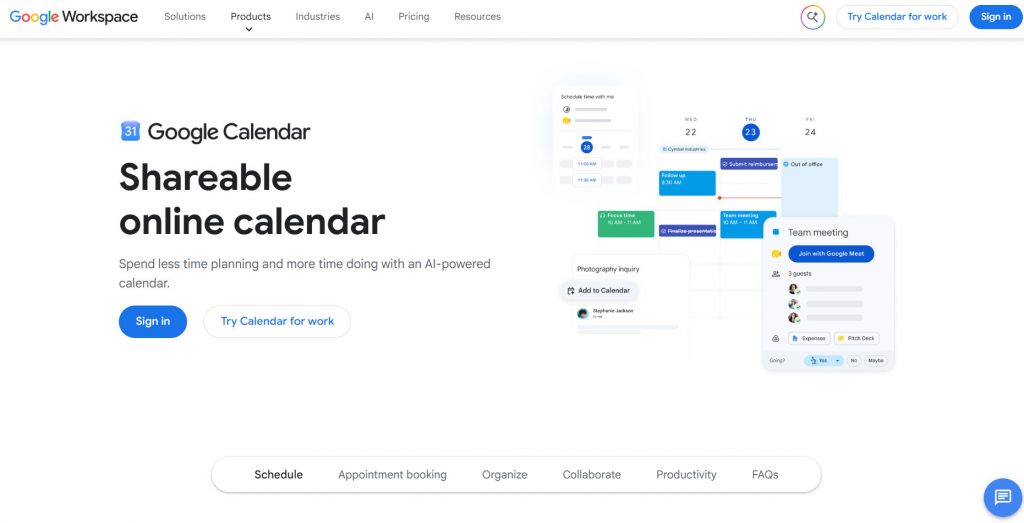
Google Calendar is one of the most widely used calendar apps for managing schedules, meetings, and daily tasks. It works well for both personal and professional life thanks to its clean interface, easy event creation, and strong sync across devices.
Many people rely on Google Calendar as their default calendar because it integrates smoothly with Gmail, Google Tasks, and the broader Google Workspace tools.
The Google Calendar app supports multiple calendars, shared schedules, time slots, and basic productivity features that make planning simple. It is free for individual users and scales into Google Workspace for teams.
Still, some users look for a Google Calendar alternative when they want stronger privacy, better task integration, advanced features, or a calendar experience that feels less tied to Google tools.
The options that follow show how other calendar platforms compare and where they may work better than Google Calendar for specific needs.
What to Look for In Google Calendar Alternatives
When searching for a Google Calendar alternative, focus on tools that improve your schedule, productivity, and overall calendar experience.
The best calendar app should go beyond basic scheduling and offer features Google Calendar lacks, such as stronger privacy, better task management, or smoother integration with your existing workflow.
- Clean interface and ease of use: A modern calendar app should feel simple yet powerful, with easy event creation and a unified view of tasks and events.
- Sync and integration options: Look for tools that sync with Google Calendar, Microsoft Outlook, Apple Calendar, or other platforms so you can keep multiple calendars connected.
- Task management and time blocking: The best options combine a to-do list with calendar events, helping you manage both personal and professional life in one place.
- Privacy and free plan availability: If privacy is your top priority, choose a calendar with a strong free tier or free version that does not rely heavily on Google tools.
- Mobile app and cross-device support: A good alternative works well on iOS and Android, Apple Watch, and desktop so your schedule stays consistent across devices.
- Advanced features and customization: Options like natural language input, shared calendar tools, team calendar support, and flexible customization make the calendar more useful than a traditional calendar.
7 Best Google Calendar Alternatives You Should Use
| Calendar App | Best For | Pricing | Free Version | Key Strength |
|---|---|---|---|---|
| Zoho Calendar | Teams already using Zoho tools | Free (advanced features in paid Zoho plans) | Yes | Deep Zoho ecosystem integration |
| Notion Calendar | Notion users who want tasks + events | Free | Yes | Seamless Notion workspace connection |
| Apple Calendar | Apple device users | Free | Yes | Native iCloud sync across Apple devices |
| Proton Calendar | Privacy-focused users | Free + paid from $3.99/month | Yes | End-to-end encryption |
| Any.do | People who want tasks and calendar together | Free + Premium from $4.99/month | Yes | Unified task + calendar daily planner |
| OneCalendar | Multi-platform, multi-calendar users | Free + one-time premium purchase of $5.99 | Yes | Cross-platform multi-calendar view |
| Tuta Calendar | Users prioritizing privacy and security | Free + paid from €3/month | Yes | Quantum-safe end-to-end encryption |
1. Zoho Calendar
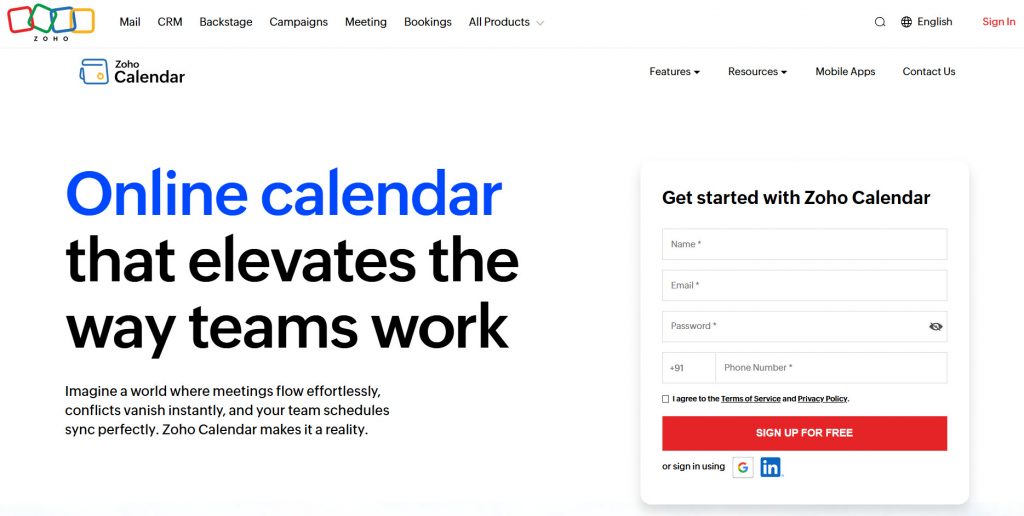
Zoho Calendar is a free online calendar app that works well as a Google Calendar alternative for individuals and teams already using Zoho tools. It supports event creation, recurring schedules, reminders, shared calendars, and free/busy status checks.
Smart Add lets you create events using natural language, and the calendar integrates smoothly with other Zoho apps. You can also sync with Google Calendar and Microsoft Outlook, so your schedule stays connected.
Advanced options like resource booking for meeting rooms are available in paid Zoho plans. Overall, it offers a clean and reliable calendar experience that goes beyond basic scheduling.
Features
- Free calendar for individuals and small teams
- Natural language event creation (Smart Add)
- Shared calendars and free/busy sharing
- Sync with Google Calendar and Outlook
- Recurring events and customizable reminders
- Resource booking for meeting rooms (paid plans)
- Deep integration with Zoho apps
Pros and Cons
| Pros | Cons |
|---|---|
| Completely free for core calendar needs | Advanced features require Zoho paid plans |
| Strong integration with the Zoho ecosystem | Interface feels less polished than some modern apps |
| Good privacy focus and easy sharing | |
| Syncs well with Google Calendar |
Pricing
Zoho Calendar is free. Advanced features are included with paid Zoho Mail, Workplace, or Zoho One plans.
2. Notion Calendar
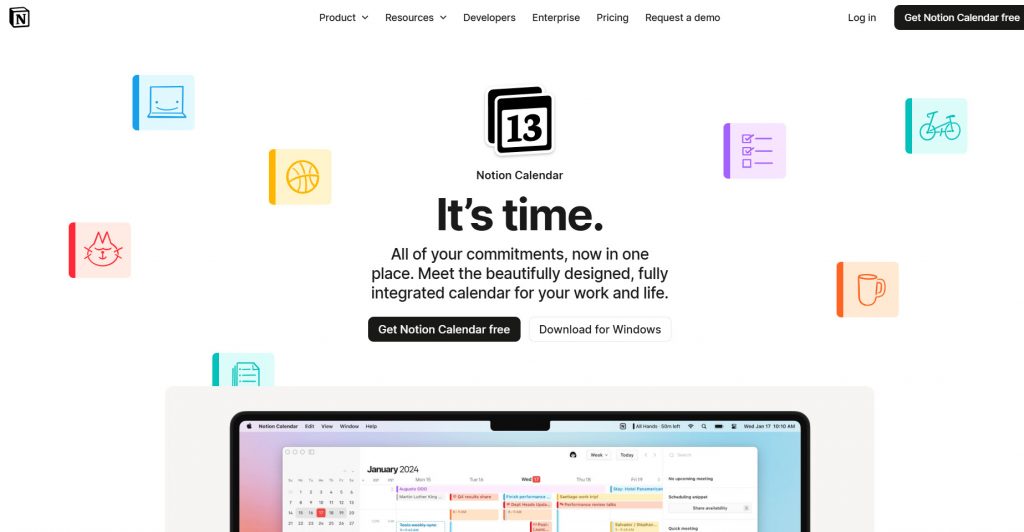
Notion Calendar is a free, modern calendar app designed to work alongside your Notion workspace. It connects to Google Calendar, Microsoft Outlook, and Apple iCloud so you can view multiple calendars in one clean interface.
The standout feature is its deep Notion integration, which lets you see database items, tasks, and linked pages right next to your calendar events. You can also create scheduling links, block time, and manage availability without leaving the app.
It is especially useful for people who already live in Notion and want a better visual way to plan their schedule. The design is fast, keyboard-friendly, and less cluttered than Google Calendar’s interface.
Features
- Free standalone calendar app
- Connects to Google, Outlook, and iCloud calendars
- Deep integration with Notion databases and pages
- Built-in scheduling links and availability sharing
- Time blocking and multi-calendar view
- Keyboard shortcuts and clean interface
- Available on web, desktop, iOS, and Android
Pros and Cons
| Pros | Cons |
|---|---|
| Completely free with a polished design | Best experience requires using Notion |
| Excellent Notion workspace integration | Limited as a fully standalone calendar |
| Clean interface and useful scheduling links | |
| Syncs with major calendar platforms |
Pricing
Notion Calendar is free.
3. Apple Calendar
Apple Calendar is the free default calendar app that comes with every iPhone, iPad, Mac, and Apple Watch. It is tightly integrated into the Apple ecosystem, so events sync instantly across your devices through iCloud.
You can also add Google, Outlook, and other accounts to view multiple calendars in one place. Recent updates have improved natural language event creation, free/busy status, and closer integration with Reminders.
The design stays clean and simple, which many Apple users prefer over more cluttered options. It works best when your daily devices are all from Apple, and you want a reliable calendar without extra apps or subscriptions.
Features
- Native app on iPhone, iPad, Mac, and Apple Watch
- Seamless iCloud sync across Apple devices
- Support for Google, Outlook, and other calendars
- Natural language event creation and Siri support
- Integration with Apple Reminders and Maps
- Shared calendars and free/busy status
- Completely free with no paid upgrade required
Pros and Cons
| Pros | Cons |
|---|---|
| Free and deeply integrated with Apple devices | Limited experience outside the Apple ecosystem |
| Clean design and reliable iCloud sync | Fewer advanced features than dedicated third-party apps |
| Works well with multiple calendar accounts | |
| Strong privacy focus |
Pricing
Apple Calendar is free.
4. Proton Email
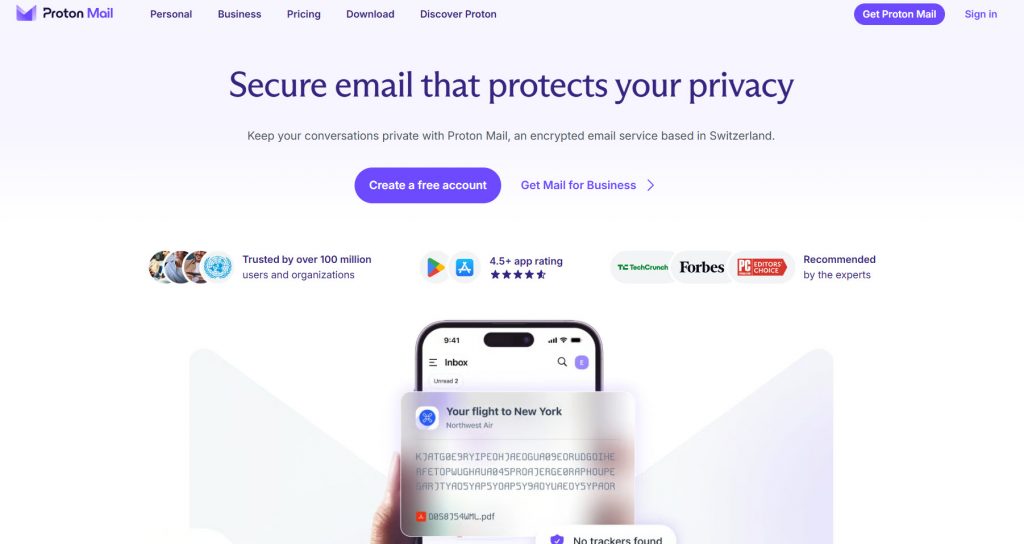
Proton Calendar is a privacy-focused calendar app built by the same team behind Proton Mail. Every event is protected with end-to-end encryption, so even Proton cannot read your schedule details.
The free plan includes a basic calendar with event creation, recurring events, and invitations. Paid plans unlock more calendars, sharing options, and higher limits. It works well if privacy is your top priority and you want a Google Calendar alternative that keeps your data secure.
The app is available on web, iOS, and Android, and it integrates smoothly with Proton Mail for handling invitations.
Features
- End-to-end encrypted events and details
- Free plan with core calendar tools
- Recurring events and email invitations
- Import from Google Calendar and other services
- Calendar sharing (paid plans)
- Up to 25 calendars on paid plans
- Mobile apps for iOS and Android
Pros and Cons
| Pros | Cons |
|---|---|
| Strong privacy with end-to-end encryption | Free plan limited to fewer calendars |
| Clean interface focused on security | Fewer advanced productivity features than Google Calendar |
| Integrates well with Proton Mail | |
| Easy import from other calendars |
Pricing
Proton Calendar is free with a basic plan. Paid features start with Proton Mail Plus plans, which cost $3.99 a month.
5. Any.do
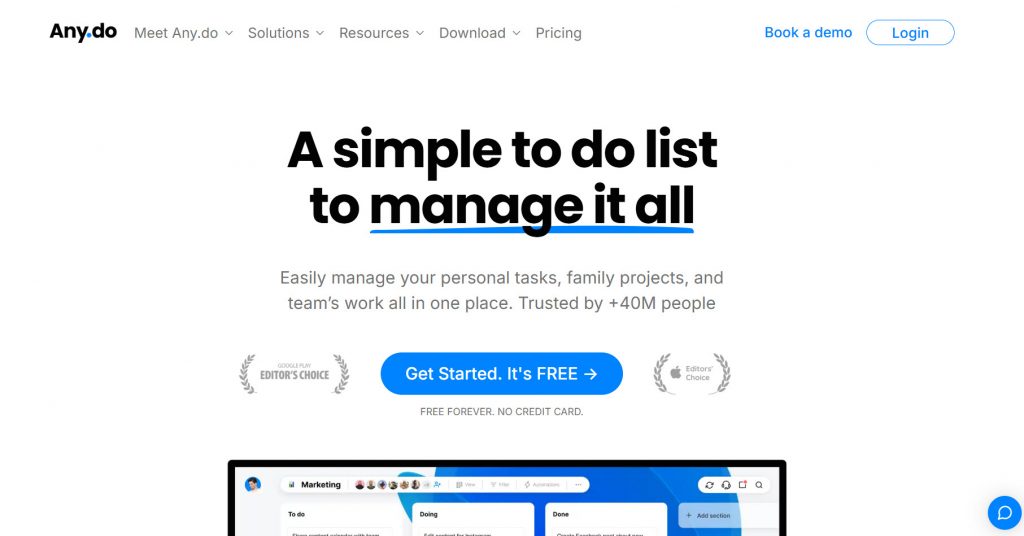
Any.do is a freemium productivity app that combines task management with calendar views. It syncs with Google Calendar, Outlook, and Apple Calendar so you can see tasks and events in one unified daily planner.
The free version covers basic to-do lists, reminders, and calendar sync. Premium unlocks more advanced features such as recurring tasks, location reminders, WhatsApp integration, and AI-assisted daily planning.
It works well for people who want tasks and calendar events side by side instead of switching between separate apps. The interface is clean and focused on simple daily planning.
Features
- Unified view of tasks and calendar events
- Sync with Google Calendar, Outlook, and iCloud
- Daily planner and AI planning suggestions (Premium)
- Recurring tasks and location-based reminders
- Shared lists for families and small teams
- Cross-platform apps (web, iOS, Android, desktop)
- WhatsApp integration for quick task capture
Pros and Cons
| Pros | Cons |
|---|---|
| Clean combination of tasks and calendar | Advanced features require a paid plan |
| Easy Google Calendar sync | Not a full standalone calendar replacement |
| Useful free tier for daily planning | |
| Simple and mobile-friendly interface |
Pricing
Any.do is freemium. The free version is available, and the premium version starts at $4.99 a month.
6. OneCalendar
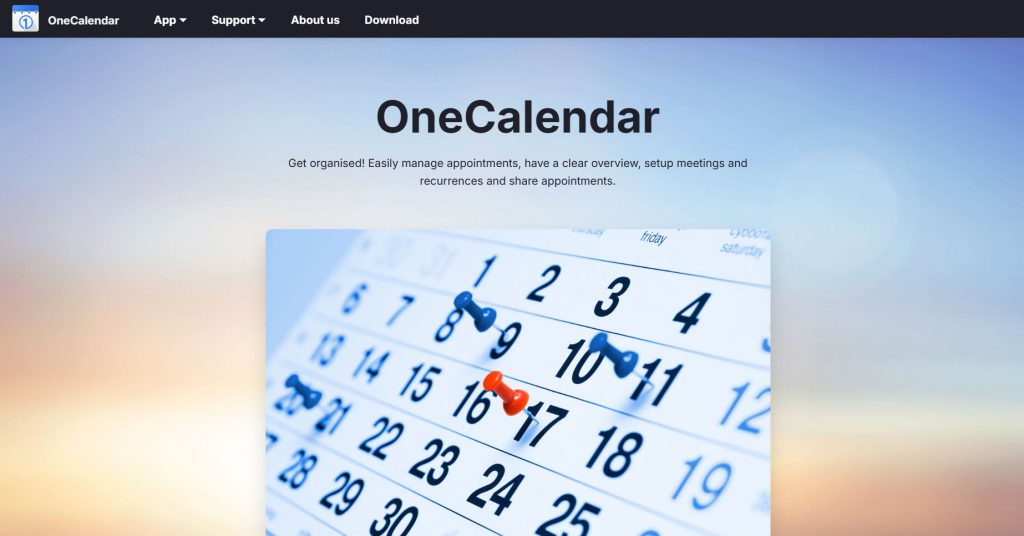
OneCalendar is a cross-platform calendar app that brings Google Calendar, Outlook, iCloud, Exchange, CalDAV, and other services into one unified view. It is designed for people who manage multiple calendars across different platforms and devices.
The free version covers core calendar management, while a one-time premium purchase unlocks extra customization, themes, and advanced tools. It works on Android, iOS, Mac, and Windows, making it useful when you switch between operating systems.
The focus is on clear overviews, easy event management, and reliable sync rather than heavy productivity features.
Features
- Unified view of Google, Outlook, iCloud, Exchange, and CalDAV calendars
- Day, week, month, and list views
- Recurring events and sharing options
- Cross-platform apps (Android, iOS, Mac, Windows)
- Offline support and widgets
- Custom themes and color coding
- One-time premium upgrade instead of a subscription
Pros and Cons
| Pros | Cons |
|---|---|
| Strong multi-calendar and cross-platform support | Interface feels more traditional than newer apps |
| One-time purchase option instead of monthly fees | Premium needed for full customization |
| Reliable sync across major calendar services | |
| Available on both mobile and desktop |
Pricing
OneCalendar is freemium. The free version is available, and the premium version is a one-time purchase of $5.99.
7. Tuta
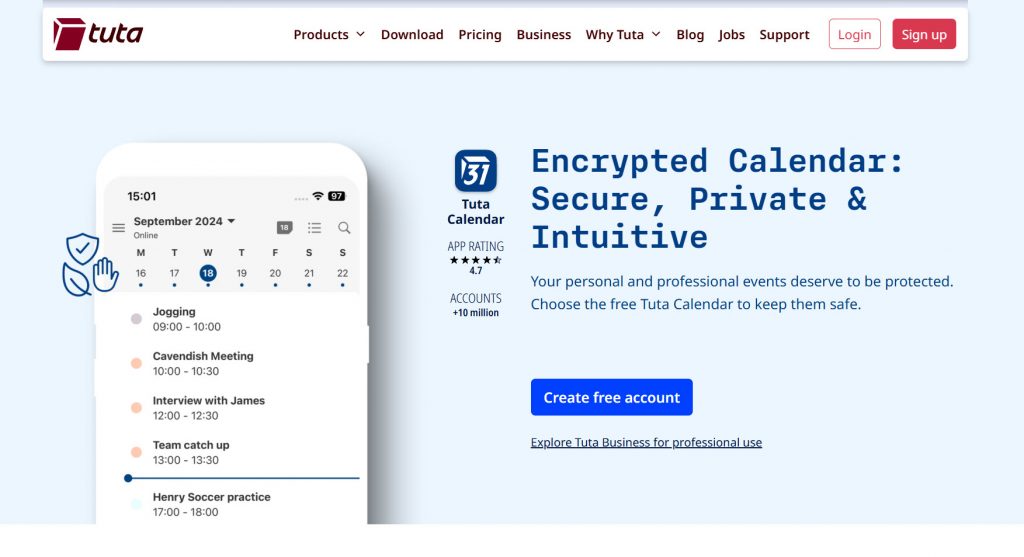
Tuta Calendar is a privacy-first calendar app from the makers of Tuta Mail. All events are protected with end-to-end encryption and quantum-safe security, so your schedule stays private.
The free plan includes one calendar with core features for personal use. Paid plans unlock unlimited calendars, sharing, event invites, and more storage. It works across web, desktop, iOS, and Android, and it integrates tightly with Tuta Mail.
Tuta Calendar is a strong choice if you want a Google Calendar alternative that prioritizes privacy and does not track or scan your data.
Features
- End-to-end encrypted and quantum-safe calendar
- Free plan with one calendar
- Unlimited calendars and sharing on paid plans
- Recurring events and multiple views
- Event invitations (encrypted option available)
- Sync across web, desktop, iOS, and Android
- No ads or tracking
Pros and Cons
| Pros | Cons |
|---|---|
| Strong privacy with full encryption | Free plan limited to one calendar |
| Clean, no-tracking experience | Fewer advanced productivity tools than mainstream apps |
| Works well with Tuta Mail | |
| Available on all major platforms |
Pricing
Tuta Calendar is free with a basic plan. Paid plans start at €3 a month.
Common Mistakes You Need to Avoid While Choosing the Best Calendar App
When searching for a Google Calendar alternative, it is easy to focus only on looks or a long feature list.
The best calendar app for your needs depends on how you actually work, which tools you already use, and whether free features will be enough. Avoiding a few common mistakes helps you pick a calendar that improves your schedule and productivity instead of creating new problems.
- Ignoring your existing workflow: Choosing an app that does not integrate with your current tools, such as Microsoft Outlook Calendar or other platforms you rely on, can disrupt your daily routine.
- Overlooking free plan limits: Many calendar apps look complete at first but hide important features behind a paid subscription. Always check what the free version actually includes.
- Focusing only on desktop experience: A calendar that works well on desktop but feels weak on mobile will frustrate you if you manage your schedule on the go.
- Skipping privacy considerations: If you want to move beyond Google, confirm the app’s privacy approach, especially if you handle sensitive personal or professional events.
- Choosing based on popularity alone: Just because an app is widely known does not mean it is the best free calendar or the right fit for your specific needs.
- Forgetting long-term usability: Test how easy it is to create events, switch views, and keep multiple calendars organized before committing.
Looking for More Than Just a Calendar?
A calendar app helps you organize your time, but many businesses also need a proper way for clients to book appointments. If you run a service business and want an easy booking system that works alongside your calendar, Bookster is a practical option.
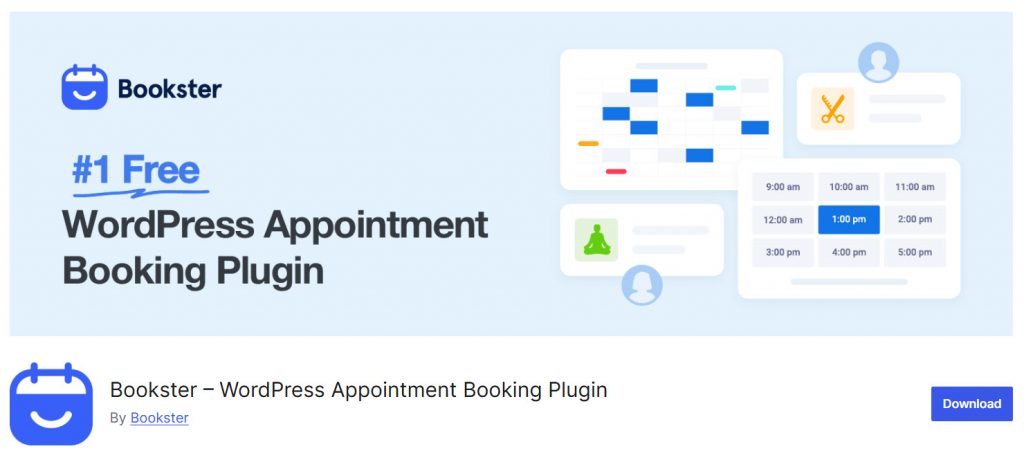
Bookster is a WordPress appointment booking plugin that lets clients schedule services, choose staff, and manage bookings online.
It supports multi-staff setups, customizable booking forms, and calendar-friendly scheduling without unnecessary complexity. You can start with the free version and upgrade only when you need more advanced features.
It gives you a complete setup for both personal planning and client appointments.
Here are some more related articles you might like:
- 920+ Reiki and Energy Healing Business Name Ideas
- 850+ Advertising Agency Name Ideas That Actually Stand Out
- What’s New in Bookster 3.3.0
- 720 Yoga Studio Name Ideas for a Calm, Memorable Brand
- 7 Best WP Simple Pay Alternatives & Payment Gateway Options
Frequently Asked Questions
Now, let’s take a look at some frequently asked questions and answers on the topic.
What is the best Google Calendar alternative?
There is no single best option for everyone. Proton Calendar and Tuta Calendar are strong if privacy is your priority. Notion Calendar works well for Notion users, while Apple Calendar suits people who stay inside the Apple ecosystem. Choose based on your devices, privacy needs, and workflow.
Are there free Google Calendar alternatives that actually work well?
Yes. Zoho Calendar, Notion Calendar, Apple Calendar, Proton Calendar (basic plan), and Tuta Calendar all offer usable free versions. These cover core scheduling needs without forcing an immediate upgrade.
Which calendar app is best for privacy?
Proton Calendar and Tuta Calendar stand out for privacy. Both use end-to-end encryption so your events stay protected. They are solid choices if you want a Google Calendar replacement that does not scan or track your schedule.
Can I use these calendar apps with Google Calendar?
Most of them support syncing or importing events from Google Calendar. This makes it easier to switch gradually instead of moving everything at once.
Is Apple Calendar only useful for Apple users?
Apple Calendar works best if you mainly use iPhone, iPad, Mac, and Apple Watch. It offers seamless iCloud sync across those devices, but the experience is more limited outside the Apple ecosystem.
Which calendar is best if I also manage tasks?
Any.do and Notion Calendar are practical choices when you want tasks and calendar events in one place. They help you see your full day without jumping between separate apps.
Do I need a paid plan for a good calendar experience?
Not always. Several free options cover basic scheduling well. Paid plans usually unlock extra calendars, advanced sharing, or deeper integrations. Start with the free version and upgrade only if you hit clear limits.
What should I look for when switching from Google Calendar?
Focus on reliable sync, clean event creation, mobile apps, privacy settings, and how well the tool fits your existing workflow. Testing two or three options side by side usually reveals the best fit quickly.
Can a calendar app replace appointment booking software?
A calendar helps you organize your own time, but client booking often needs a dedicated tool. If you run a service business, pairing your calendar with a booking plugin like Bookster gives clients an easy way to schedule appointments while you keep control of your availability.
How do I choose the right Google Calendar alternative for my needs?
List your must-have features first (privacy, task integration, multi-calendar support, or Apple-only use). Then test the free versions of the tools that match those needs. The right choice is the one that feels simple to use every day and fits both your personal and professional schedule.
Conclusion
Choosing the right Google Calendar alternative depends on what matters most to you. Some users want stronger privacy, others need better task integration, and many simply prefer a cleaner interface.
Options like Proton Calendar and Tuta Calendar prioritize security, while Notion Calendar and Any.do focus on connecting tasks with your schedule. Apple Calendar works well for those fully in the Apple ecosystem, and Zoho Calendar or OneCalendar suit people managing multiple accounts.
No single tool is the best of the best for everyone. The ideal calendar software depends on your personal or professional life, preferred devices, and how much you are willing to pay when features require a paid subscription.
Test a few free options, see which calendar works well with your existing workflow, and pick the Google Calendar replacement that keeps the top of your calendar clear and useful.
We hope you found this article helpful and enjoyed reading it. If you did, feel free to check out our blog archive for more useful guides and tips. Also, check out our YouTube channel, X, and Facebook page to get the latest news.
Which calendar app will you use?
Let us know in the comments.