

Are you seeking a flexible and convenient payment option for your customers and businesses? If yes, today we have the seven best deposit & partial payment plugins to help customers secure their purchases without breaking the bank and increase sales.
Offering deposits and partial payments is a smart way to make high-value products more accessible and boost conversions in your WooCommerce store.
Customers can secure their purchase with a smaller upfront payment and pay the balance later, reducing cart abandonment and increasing sales. In this guide, we compare the 7 best deposit and partial payment plugins for WooCommerce.
We evaluated them based on features, ease of use, pricing flexibility, and overall value to help you choose the right solution for your business.
Before the list, let’s see what deposits & partial payments plugins are.
Table of Contents
What Are Deposits and Partial Payments Plugins
In the fast-paced world of e-commerce, deposit and partial payment plugins have emerged as game-changers. These payment methods allow customers to secure their purchases by making an upfront payment, with the option to pay the remaining balance later.
For example, you sell a stunning piece of art online, but buyers cannot purchase it because of its high price. Instead of losing a potential buyer, you can use deposit and partial-payment plugins to let them reserve the artwork for a fraction of the total price. This gives them ownership of the item and allows them to pay off the remaining sum at their convenience.
In addition, you can reach a broader consumer base by offering deposit and partial-payment plugins, thereby boosting sales. Customers who were previously unwilling to make a full payment upfront are now more likely to complete their transaction when given the option to pay in installments. This not only promotes customer satisfaction but also promotes more business.
On the other hand, if you need a plugin to completely tweak the pricing options, you can check out the dynamic plugin for WooCommerce. If you’re looking to add multiple currencies, check out the multi-currency switcher.
Now you know what deposits & partial payments plugins are. The following section covers the factors to consider when selecting dedicated deposits & partial payments plugins.
What to Look for in Deposits & Partial Payments Plugins
While looking for a deposits & partial payments plugin, make sure to consider these factors:
- Functionality: Seamless integration with your existing e-commerce platform, making it easy for customers to make payments.
- User-friendly: Provide an intuitive interface that guides customers through the step-by-step payment process, ensuring a smooth, hassle-free experience.
- Multiple Payment Options: Look for a plugin that offers multiple payment methods, such as credit cards, PayPal, or even cryptocurrency, to cater to a wide range of customer preferences.
- Customization: Choose a plugin that allows you to customize the appearance and layout of the payment page to match the brand’s aesthetic.
- Flexible plans: Ensure the plugin allows customers to set different deposit amounts or installment frequencies to suit their needs.
- Security: Look for plugins that support encryption and secure payment gateways to protect customer information from unauthorized access. Also, ensure the plugin complies with industry standards and regulations, such as PCI DSS (Payment Card Industry Data Security Standard.
Now that you know what to look for in deposits and partial payment plugins, let’s look at our list.
Best 7 Deposits & Partial Payments Plugins
In a nutshell, the top seven deposits and partial payment plugins are:
| Plugin Name | Free Version | Pro Starting Price | Key Features | Best For |
|---|---|---|---|---|
| Payment Plans for WooCommerce | No | $99/year | Fixed & percentage deposits, custom schedules | Flexible payment plans |
| Deposits and Partial Payments by Acowebs | Yes | $43/year | Deposits, installments, product-specific rules | Simple to moderate deposit needs |
| Deposits & Partial Payments by Bayna | Yes | $59/year | Fixed/percentage, optional deposits | Beginner-friendly partial payments |
| YITH WooCommerce Deposits and Down Payment | No | $129.99/year | Deposits for variable products, expiration | Variable products & advanced deposits |
| Sumo WooCommerce Payment Plans | No | $49 (one-time) | Multiple payment schedules, installments | Custom payment plans |
| Deposits & Partial Payments by WpDepositly | Yes | $29/year | Deposits & partial payments | Basic deposit options |
| PH WooCommerce Deposits | No | $99/year | Partial payments & payment plans | Payment plan scheduling |
Below, we’ll briefly review the key features and pricing options of these plugins.
1. Payment Plans for WooCommerce
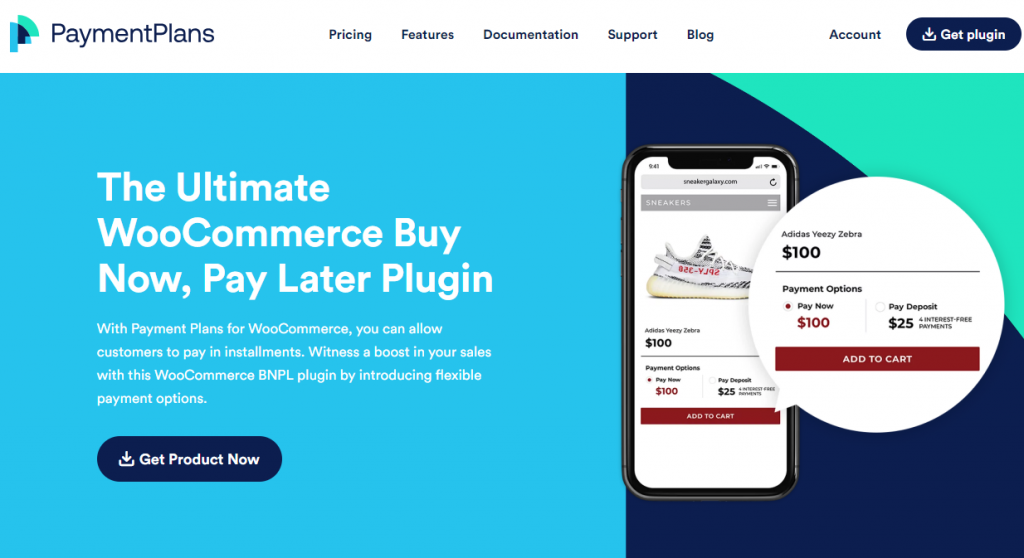
Payment Plans for WooCommerce is one of the top-rated plugins for stores that want to enhance their capabilities by offering multiple payment options to customers, including ‘buy now, pay later.’
This plugin lets you create and manage multiple payment plans for your products, so your customers can choose how much and how often they pay according to their preferences.
Its automatic billing and efficient rebilling payments ensure steady cash for your business. The Payment Plan for WooCommerce easily integrates with almost 30 payment gateways and add-ons, including Authorize.Net, PayPal, Amazon, and others, making it a versatile addition to your WooCommerce store.
To smooth your customers’ shopping experience, this plugin displays the total payment until the cart checkout process is complete. It also lets you send email reminders to keep your customers updated about their payment schedule and remaining installments.
Features
- Diverse payment options
- Easy payment scheduling
- Allow smooth integration with multiple gateways for secure payment
- Send email renewal notification
- Auto-renewal of failed installment payments
Pros and Cons
| Pros | Cons |
|---|---|
| Flexible, fixed, and percentage deposits | Limited design customization options |
| Custom payment schedules | |
| Works with variable products | |
| Good integration with payment gateways |
Pricing
Get the Payment Plans for WooCommerce yearly subscription at $59/year.
2. Deposits and Partial Payments by Acowebs
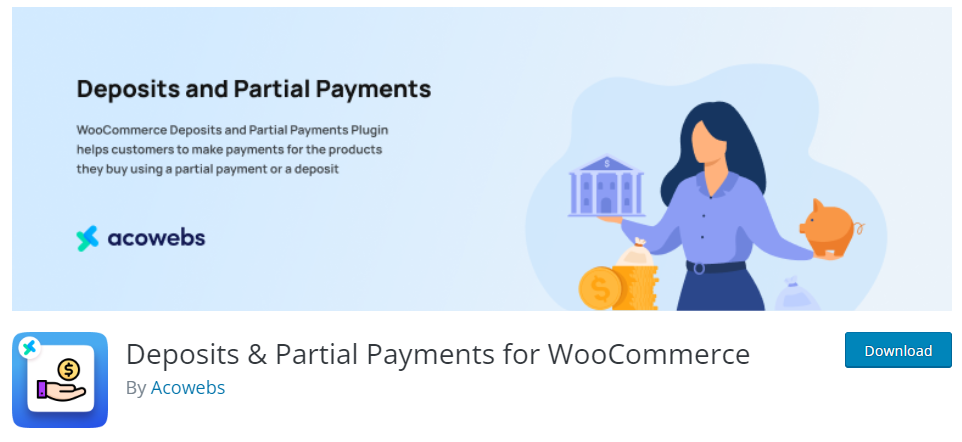
As the name implies, the Deposits and Partial Payments plugin allows you to set up product deposits and partial payments. This beginner-friendly plugin requires a single click to add or cancel deposits or partial payments.
Users can use the partial payment plan to schedule the remaining amount after setting up a specified amount or percentage of the entire order value. You can also offer discounts to clients who opt to pay for their orders. Moreover, you also get to choose specific products for deposits and partial payments.
This plugin also gives you control over the payment system. For example, you can remove the deposit options for customers who aren’t logged into your website. You can also either enable or disable specific payment gateways for deposit orders.
Features
- Enable deposits only during checkouts
- Create an option to schedule payments
- Send email alerts to both the client and the admin during deposits and payments
- Completely customizable and translation-ready
- Send reminders to clients for pending payments
Pros and Cons
| Pros | Cons |
|---|---|
| Easy deposit and installment setup | Some advanced features only in Pro |
| Supports simple and variable products | |
| Good admin control | |
| Beginner-friendly interface |
Pricing
Deposits & Partial Payments is a freemium WooCommerce plugin. The free version is available on the WordPress repository. The premium version is available on the official Acowebs website for $49 per year, with 1 year of updates.
3. Deposits & Partial Payments for WooCommerce by Bayna
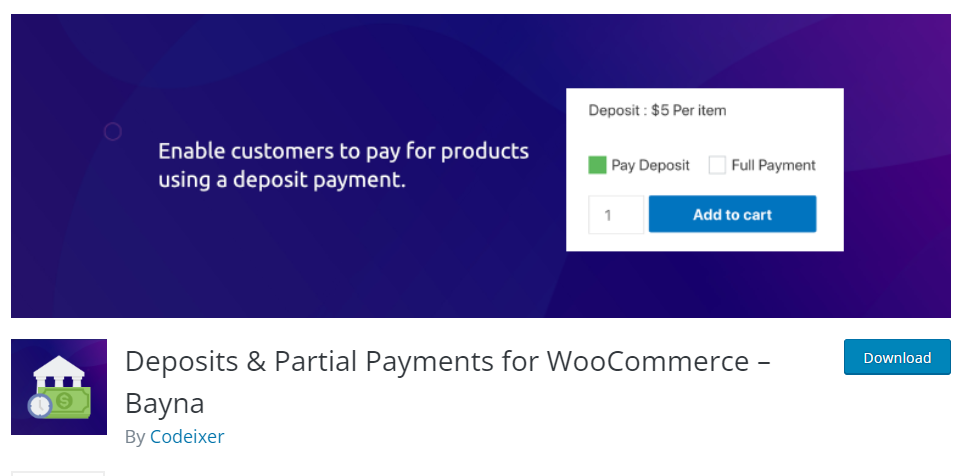
Bayna offers an easy-to-use solution to businesses looking to set up deposit plans on their website. This plugin is handy if you want a hassle-free integration to manage variable products. Deposit and partial payment options adapt to the unique needs of each product type without issue.
The WooCommerce platform and Bayna’s plugin work together perfectly. It ensures that features related to deposits and partial payments become an integral part of the online shopping experience. This integration benefits both customers and merchants because of the WooCommerce setting.
Another notable aspect is the user-friendly interface, which offers a simple, accessible experience for both customers and merchants. The ease of navigating deposit configurations and payment options improves user satisfaction and reduces the risk of errors.
Features
- Supports both offline and WooCommerce payment methods
- Fixed and percentage deposits can be structured
- Customers can select to pay in full or in part for their purchases
- Adjustments can be made to the style of the radio box
- Option to cancel the order for the pending deposits
Pros and Cons
| Pros | Cons |
|---|---|
| Optional or mandatory deposit options | Can be complex for first-time users |
| Fixed and percentage-based deposits | |
| Good WooCommerce integration | |
| Flexible for different product types |
Pricing
Deposits & Partial Payments for WooCommerce is a freemium plugin. The starter plan costs $59 per year. The free version can be obtained via the WordPress repository, while the premium version can be purchased through Bright Plugin’s official website.
4. YITH WooCommerce Deposits and Down Payment
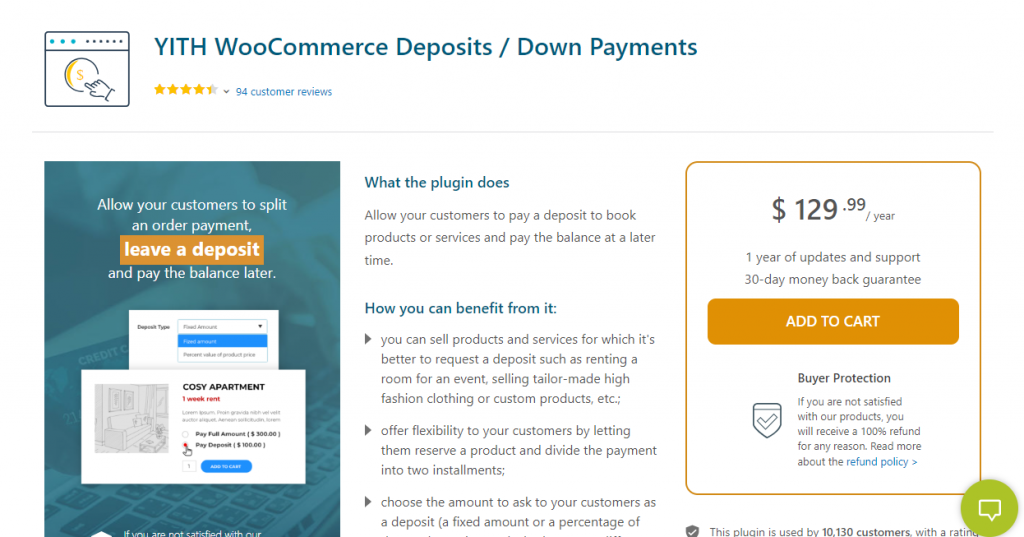
YITH WooCommerce Deposits and Down Payment allows your users to pay for their orders in full or as a down payment on the remaining balance. Offering such options to clients who want to make partial payments rather than the entire sum also helps boost sales.
Using this plugin, you can additionally set an expiration date for your deposit. If the remaining installments are not made by the specified date, the deposit will be invalid. You can set up a distinct deposit amount and payment schedule for any combination of variable products.
Numerous customization options offered by YITH Deposits and Down Payments help notify clients. For instance, you can design unique labels, customize buttons, and add notes to various sections of product pages. The plugin also notifies store admins and customers about new deposits or pending payments.
Features
- Set deposits according to the product categories
- Create a fixed deposit amount for each order
- Select a percentage or fixed deposit amount
- Email notifications for store admins and customers
- Automatically calculate the deposit amount
Pros and Cons
| Pros | Cons |
|---|---|
| Strong support for variable products | Higher pricing compared to others |
| Deposit expiration options | |
| Good customization for labels and buttons | |
| Reliable for down payments |
Pricing
YITH WooCommerce Deposits and Down Payment is a premium WooCommerce plugin. The subscription costs $129.99 per year and is available on YITH’s plugin page.
5. Sumo WooCommerce Payment Plans
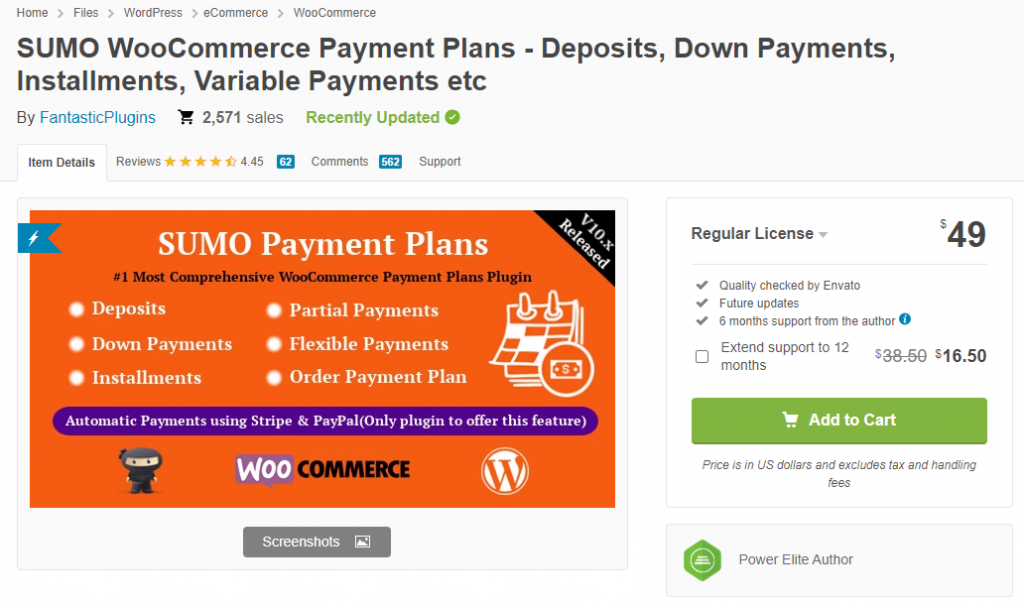
Another excellent plugin for creating customizable payment plans on your website is Sumo WooCommerce Payment Plans. Thanks to several customization options offered by this plugin, creating payment plans that meet your unique requirements is straightforward.
Whether you need to set up deposits with balance payments or multiple fixed installments, this plugin has you covered. Furthermore, it makes installment payments more accessible for your customers by allowing them to create plans or letting your business choose what works best for them.
Additionally, the user-friendly reminder system allows you to contact clients immediately when their payments are due, ensuring there are never any unpleasant surprises. SUMO WooCommerce Payments Plans is ideal for any business because it easily connects with some of the most widely used WooCommerce themes and plugins.
Features
- Ability to use payment plans to process installment payments
- Option of payment with adjustable payment plans
- A deposit can be considered for down payments
- Allows the creation of different payment plans
- Tax can be subject to during the initial payment
Pros and Cons
| Pros | Cons |
|---|---|
| Multiple payment schedule options | Slight learning curve for new users |
| Flexible installment plans | |
| Good for custom payment plans | |
| Supports deposits and partial payments |
Pricing
Sumo WooCommerce Payment Plans is a premium WooCommerce plugin. The subscription costs $49 (one-time fee) and can be purchased from the CodeCanyon marketplace.
6. Deposit & Partial Payment – WpDepositly
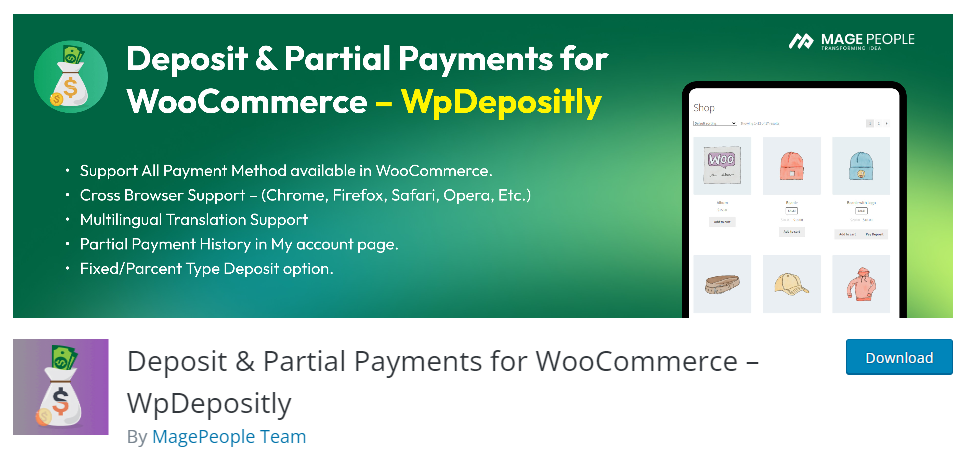
The Deposit & Partial Payment plugin is an excellent tool for increasing revenue. With the plugin, you can boost sales by adding a deposit option to your store. Customers can specify a custom amount they can pay as a partial payment.
This plugin includes a percentage deposit feature that lets you set the percentage clients must deposit to reserve. For example, ask purchasers to pay at least 40% upfront for a product.
You can also configure partial payments based on the user’s role on your WordPress website. This plugin can accept deposits and partial payments, whether you provide services, goods, or digital products.
Features
- Provides customers with information regarding the terms of their deposits
- Flexibility to configure the deposit amount
- Easy integration with a variety of payment gateways
- Straightforward configuration and an intuitive UI
- Configure the cart’s deposit option display during checkout
Pros and Cons
| Pros | Cons |
|---|---|
| Simple deposit and partial payment setup | Limited advanced features |
| Seamless WooCommerce checkout integration | |
| Fixed and percentage deposit options | |
| Easy to configure |
Pricing
Deposit & Partial Payment is a freemium WooCommerce plugin. A free version can be downloaded from the WordPress plugin repository, while a premium version costs $29 per year on Mage People’s official website.
7. PH WooCommerce Deposits
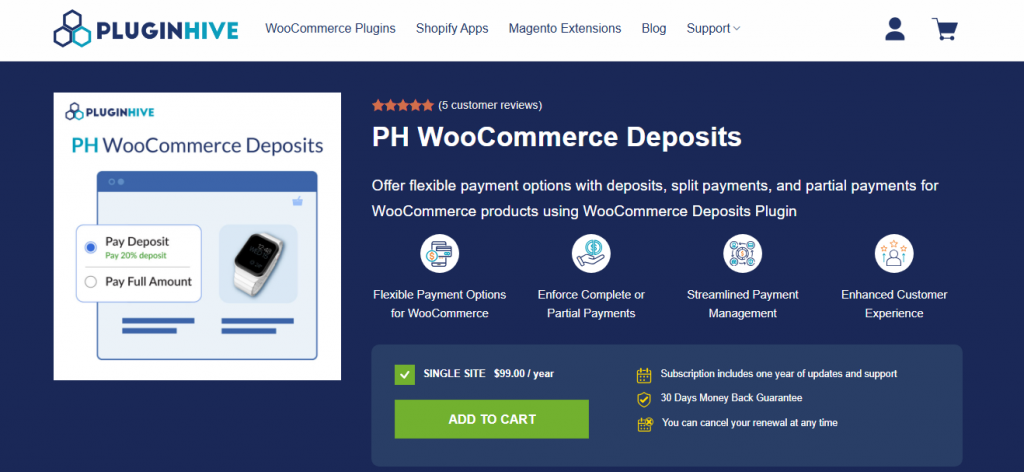
Managing payments efficiently is crucial for any WooCommerce store, and PH WooCommerce Deposits simplifies the process by allowing customers to make partial payments, split payments, or pay in full. This powerful plugin allows store owners to enforce mandatory deposits or offer them as an option, catering to diverse business needs.
With WooCommerce Deposits, customers can choose between a fixed deposit amount or a percentage of the total price, making it ideal for high-ticket products, services, and bookings. The plugin also automates balance payments, sends email reminders, and seamlessly integrates with WooCommerce Bookings & Appointments. Designed to enhance the user experience, it ensures a smooth checkout process, reducing cart abandonment and boosting conversions.
Whether you run a travel agency, a rental service, or an online store selling premium products, this plugin empowers you with custom payment plans. It helps you offer installment-based payments or flexible deposit structures. The WooCommerce Deposits Plugin is a must-have for businesses looking to optimize cash flow and customer convenience.
Features
- Flexible Deposit Options
- Mandatory or Optional Deposits
- Automated Payment Reminders
- Custom Payment Plans
- WooCommerce Bookings Integration
Pros and Cons
| Pros | Cons |
|---|---|
| Good payment plan scheduling | Limited reporting features |
| Easy integration with WooCommerce | |
| Supports partial payments | |
| Reliable for basic deposit needs |
Pricing
The WooCommerce Deposits Plugin costs $99/year for a single-site license, including one year of updates and support. It also comes with a 30-day money-back guarantee and multilingual support.
Common Mistakes to Avoid When Choosing Deposits & Partial Payments Plugins
Here are some common mistakes you should avoid when selecting a deposit and partial payments plugin for WooCommerce:
- Ignoring Variable Product Support: Not all plugins handle variable products well. Always test this if you sell products with different sizes or options.
- Overlooking Payment Reminders: Forgetting to choose a plugin with automatic reminders can lead to missed balance payments and lost revenue.
- Choosing a Heavy Plugin: Some plugins can slow down your checkout page. Prioritize lightweight options if site speed is important.
- Not Testing Free Versions: Many plugins look good in demos but feel clunky in real use. Always test the free version on a staging site first.
- Skipping the Mobile Checkout Experience: Customers often complete purchases on mobile devices. Ensure the plugin offers a smooth mobile deposit and payment flow.
- Ignoring Long-Term Support: Choose actively maintained plugins with good support to avoid compatibility issues with future WooCommerce updates.
Avoiding these mistakes will help you select a reliable plugin that works well for your store and customers.
Here are some similar articles you might need to look into:
- 920+ Reiki and Energy Healing Business Name Ideas
- 850+ Advertising Agency Name Ideas That Actually Stand Out
- What’s New in Bookster 3.3.0
- 720 Yoga Studio Name Ideas for a Calm, Memorable Brand
- 7 Best WP Simple Pay Alternatives & Payment Gateway Options
Frequently Asked Questions
Now, let’s look at a few frequently asked questions and answers on this topic.
What are deposits and partial payments plugins for WooCommerce?
Deposit and partial payment plugins for WooCommerce allow customers to pay a portion of the total amount upfront and the remaining balance later. These plugins are useful for high-value products, services, or bookings where customers prefer not to pay the full amount at once.
Why should I use a deposit and partial payments plugin?
Using a deposits plugin helps increase conversions by reducing cart abandonment. Customers can secure their purchase with a smaller upfront payment, making expensive products more accessible and helping you capture more sales.
Which is the best deposits and partial payments plugin for WooCommerce?
The best plugin depends on your needs. Deposits and Partial Payments by Acowebs and Payment Plans for WooCommerce are strong choices for most stores. YITH WooCommerce Deposits is better for advanced features and variable products.
Can I set both fixed and percentage-based deposits?
Yes. Most of the plugins in this list, including Acowebs, Bayna, YITH, and Payment Plans for WooCommerce, allow you to set either a fixed deposit amount or a percentage of the total order value.
Do these plugins support variable and subscription products?
Yes. Plugins like YITH WooCommerce Deposits and Down Payment and Payment Plans for WooCommerce work well with variable products. Some also support subscription products depending on the plan you choose.
Can customers pay in multiple installments?
Yes. Several plugins, such as Sumo WooCommerce Payment Plans and Payment Plans for WooCommerce, allow customers to pay in multiple installments with custom schedules.
Do these plugins send automatic payment reminders?
Yes. Most plugins, including Acowebs, Payment Plans for WooCommerce, and YITH, send automatic email reminders to customers about pending or upcoming balance payments.
Are these plugins compatible with popular payment gateways?
Yes. The plugins listed in this article work with major payment gateways, including PayPal, Stripe, and other WooCommerce-supported gateways.
Is there a good free deposit plugin for WooCommerce?
Yes. Deposits and Partial Payments by Acowebs and Payment Plans for WooCommerce offer capable free versions with basic deposit and partial payment features.
How do I choose the right deposits and partial payments plugin?
Consider your needs, such as support for variable products, installment plans, email reminders, and pricing. Test the free versions first, then choose the one that best aligns with your business model and customer experience goals.
Conclusion
Today, we looked at deposits & partial payments plugins. All the plugins we listed today can provide your clients with flexible payment options that fit their budget, allowing them to make a deposit or partial payment for a product or service and pay the remaining amount later.
Using these plugins for your online business can improve customer satisfaction and enhance sales by lowering cart abandonment rates. By offering this convenient payment option, you enable your clients to shop without financial limits.
Here’s our recommendation:
For WooCommerce stores, Payment Plans for WooCommerce offers great flexibility in creating custom payment plans. PH WooCommerce Deposits is easy to use and allows you to set custom deposit amounts. YITH WooCommerce Deposits and Down Payment provides an intuitive, feature-rich solution for down payments. Each plugin offers unique benefits to suit different store needs.
So why wait?
Install deposits & partial payments plugins for WooCommerce today, and watch your sales increase! In the comment section, let us know which plugin you use for your online business.
We hope you found this article helpful and enjoyed reading it. If you did, feel free to check out our blog archive for more useful guides and tips. Also, check out our YouTube channel, X, and Facebook page to get the latest news.
