

Are you looking for the best WP Simple Pay alternatives to accept payments on your WooCommerce store? In this post, we will show you the top 7 options.
Looking for a WP Simple Pay alternative to collect payments on your WordPress site? Many site owners want a flexible payment plugin that supports Stripe, PayPal, or multiple payment gateways without complicated setup.
The right payment solution can help you create simple payment forms, accept credit cards, enable recurring payments, and offer options such as Apple Pay and Google Pay. Some plugins focus on a single payment gateway, while others integrate with WooCommerce or work as standalone tools.
In this guide, we compare the best WP Simple Pay alternatives so you can find a payment plugin for WordPress that fits your checkout needs and budget.
First, we will look at what WP Simple Pay is and what it offers.
Table of Contents
WP Simple Pay: An Introduction
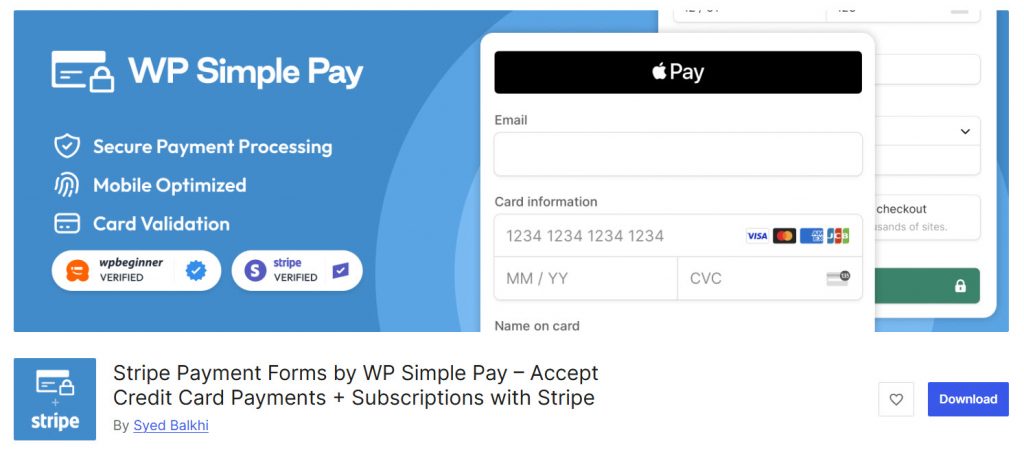
WP Simple Pay is a popular WordPress payment plugin designed to help you accept Stripe payments on your website without a full eCommerce setup.
The free version lets you create basic payment forms and collect one-time payments, while the Pro version (starting at $49.50) unlocks more advanced features, including recurring payments, custom form fields, and additional payment options.
It works as a standalone payment solution, making it useful for donations, service fees, or simple product sales.
Many site owners choose it for its clean Stripe integration and straightforward payment process. Still, some users look for WP Simple Pay alternatives when they need multi-gateway support, lower costs, or tighter WooCommerce payment integration.
The options below explore other payment plugins that can serve as strong alternatives.
What to Look for in a WordPress Payment Gateway Plugin
Choosing the right payment plugin for WordPress depends on how you plan to collect payments and which processors you prefer.
A solid payment solution should make it easy to create a payment form, support the payment methods your customers use, and fit smoothly into your existing WordPress site.
- Supported payment methods: Look for a plugin that integrates with Stripe, PayPal, or other payment processors to accept credit and debit cards, as well as digital wallets like Apple Pay and Google Pay.
- Ease of setup and form building: The best options let you create a payment form quickly without complicated coding, with clear controls inside the WordPress dashboard.
- Transaction fees and pricing clarity: Compare the plugin cost with any transaction fees charged by the payment processor to avoid unexpected expenses.
- One-time and recurring payment support: If you need subscriptions or repeat billing, confirm the plugin handles recurring payments reliably.
- Checkout experience and customization: A clean checkout page and flexible form design help reduce abandoned payments and keep the process simple for customers.
- Security and local payment options: Choose a plugin that adheres to secure payment standards and, when needed, supports local payment methods across regions.
7 Best WP Simple Pay Alternatives to Try
| Plugin | Best For | Free Version | Starting Price | Key Gateways | Standout Feature |
|---|---|---|---|---|---|
| WP Full Pay | Stripe payment forms & subscriptions | Yes | $79.50/year | Stripe | Clean forms, subscriptions, customer portal |
| Payment Page | Modern one-page checkout | Yes | $99/year | Stripe, PayPal | Templates + Stripe & PayPal support |
| GiveWP | Donations & fundraising | Yes | $199/year | Stripe, PayPal + more | Donor management and campaign tools |
| Paymattic | Affordable multi-gateway payments | Yes | $4.99/month | Stripe, PayPal + many more | Budget-friendly with broad gateway support |
| WooCommerce Stripe Payment Gateway | Full WooCommerce stores | Yes (fully free) | Free | Stripe | Official free Stripe checkout for stores |
| Accept Stripe Payments | Simple buy buttons & digital sales | Yes (fully free) | Free | Stripe | Lightweight “Buy Now” buttons |
| WPSmartPay | Digital products & invoices | Yes | $99/year | PayPal (free), Stripe (Pro) | Payments + invoicing + digital delivery |
1. WP Full Pay
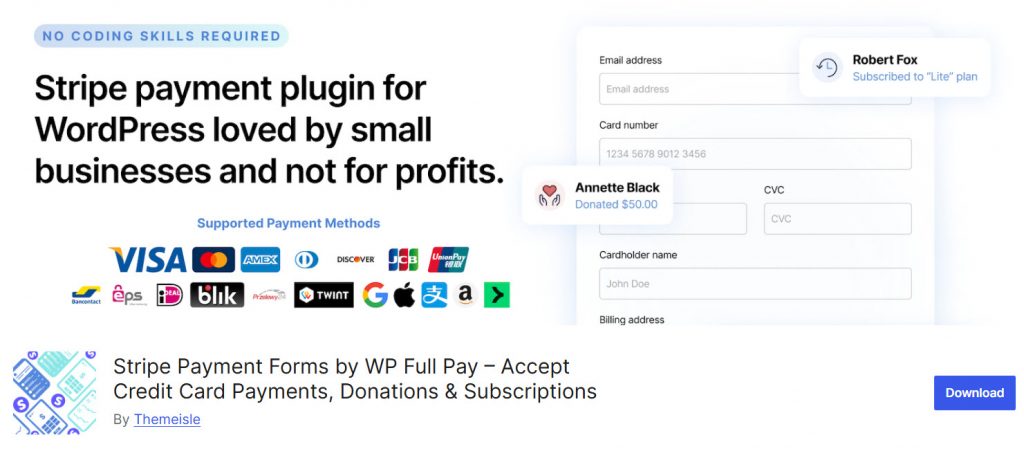
WP Full Pay is a Stripe-focused payment plugin for WordPress that lets you create payment forms without a full store setup. The free version supports one-time payments, subscriptions, donations, and save-card forms, though it adds an extra transaction fee.
The Pro version (starting at $79.50 per year) removes that extra fee and unlocks the full feature set, including unlimited transactions. It supports Stripe Checkout, the modern Payment Element, coupons, customer portals, and digital wallets like Apple Pay and Google Pay.
It works well as a straightforward alternative to WP Simple Pay for sites that want a clean Stripe integration.
Features
- One-time, subscription, donation, and save-card forms
- Stripe Checkout and Payment Element support
- Apple Pay, Google Pay, and other Stripe payment methods
- Customer portal for subscription management
- Coupons and email notifications
Pros and Cons
| Pros | Cons |
|---|---|
| Strong Stripe-focused feature set | Free version adds an extra transaction fee |
| Supports subscriptions and donations | Limited to Stripe as the payment processor |
| Clean form builder and customer portal | |
| No extra plugin fees on paid plans |
Pricing
WP Full Pay is freemium. The free version can be downloaded from the WordPress plugins repository, and the premium version starts at $79.50 a year.
2. Payment Page
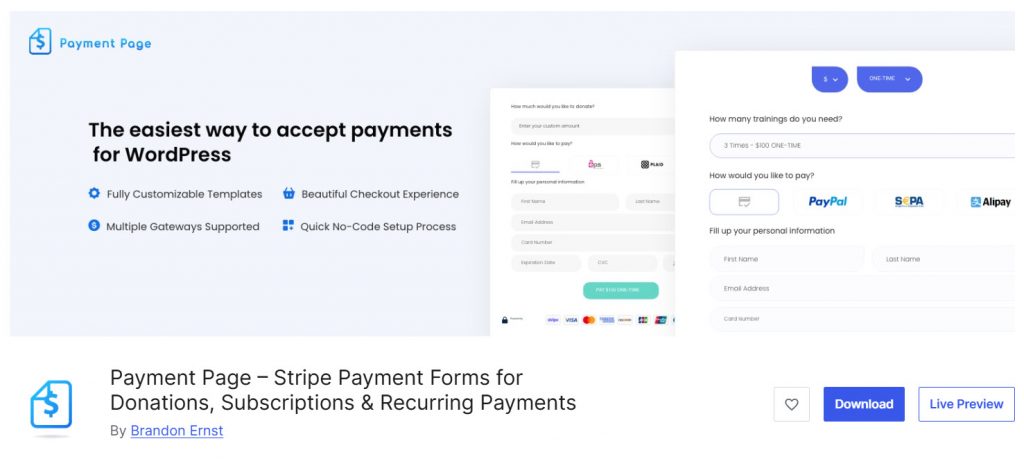
Payment Page is a WordPress payment plugin focused on creating clean, one-page checkout experiences with Stripe and PayPal.
The free version includes the full feature set, including one-time payments, recurring subscriptions, custom amounts, and digital wallets, but adds a 2% platform fee on Stripe transactions. The Pro version (starting at $99 a year) removes that fee and adds priority support.
It offers ready-made templates, custom fields, multi-currency support, and an Elementor widget for flexible placement. It works well as a WP Simple Pay alternative when you want both Stripe and PayPal options with a modern form design.
Features
- Stripe and PayPal support
- One-time, recurring, and custom amount payments
- Apple Pay, Google Pay, and other digital wallets
- Ready-made payment page templates
- Multi-currency support
- Custom fields and Elementor widget
Pros and Cons
| Pros | Cons |
|---|---|
| Supports both Stripe and PayPal | Free version adds a 2% platform fee on Stripe |
| Strong templates and form customization | Newer plugin with a smaller user base |
| Easy one-page checkout experience | |
| Full feature set available for free |
Pricing
Payment Page is freemium. The free version can be downloaded from the WordPress plugins repository, and the premium version starts at $99 a year.
3. GiveWP
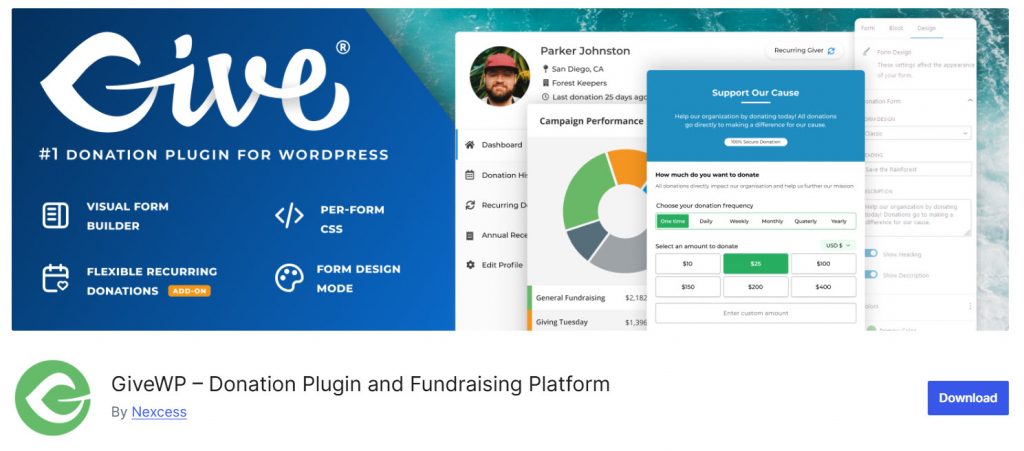
GiveWP is a WordPress donation and fundraising plugin that also works well for collecting payments. The free version lets you create donation forms, accept payments through Stripe and PayPal, and manage donor records.
Paid plans (starting at $199 a year) unlock recurring donations, more payment gateways, fee recovery, peer-to-peer fundraising, and advanced reporting. It is especially useful for nonprofits, churches, and organizations that need more than a basic payment form.
As a WP Simple Pay alternative, it stands out when your main goal is fundraising rather than simple one-off product payments.
Features
- Customizable donation and payment forms
- Stripe, PayPal, and offline payment support
- Donor management and reporting tools
- Campaign goals and fundraising tracking
- Recurring donations (paid plans)
- Peer-to-peer fundraising options
Pros and Cons
| Pros | Cons |
|---|---|
| Strong focus on donations and fundraising | Higher starting price for full features |
| Multiple payment gateway options | Free version has limits on recurring and advanced tools |
| Built-in donor database and reports | |
| Good fit for nonprofits and campaigns |
Pricing
GiveWP is freemium. The free version can be downloaded from the WordPress plugins repository, and the premium version starts at $199 a year.
4. Paymattic
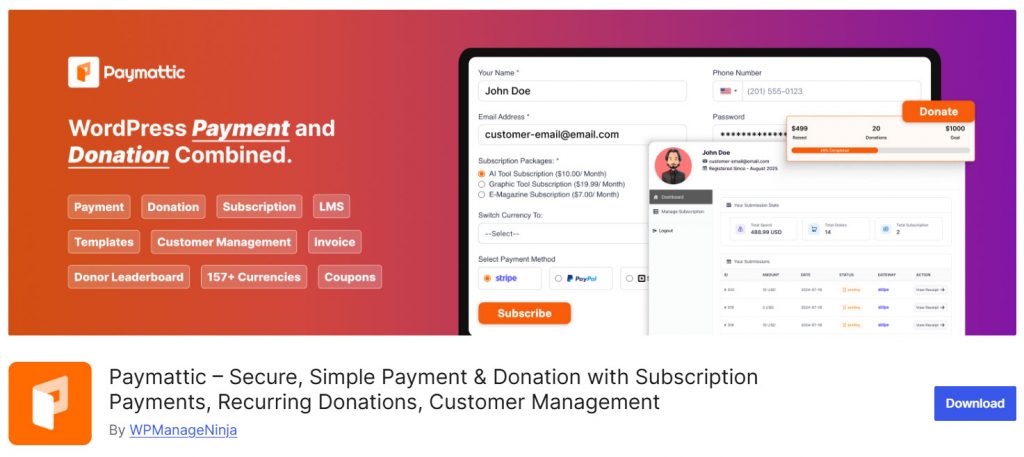
Paymattic is a flexible WordPress payment and donation plugin that supports multiple gateways and form types. The free version includes Stripe for one-time payments and donations, along with basic form building tools.
The Pro version (starting at $4.99 per month) unlocks additional gateways such as PayPal, Square, Razorpay, and more, as well as subscription payments, recurring donations, coupons, customer dashboards, and advanced reporting.
It is a practical WP Simple Pay alternative if you want broader payment options, donation features, and affordable pricing without being limited to a single processor.
Features
- Stripe support in the free version
- Multiple payment gateways in Pro (PayPal, Square, and more)
- One-time and subscription payments
- Donation forms with progress bars and custom amounts
- Customer and donor dashboards
- Coupons, invoices, and form templates
- Integrations with LMS and CRM tools
Pros and Cons
| Pros | Cons |
|---|---|
| Affordable Pro pricing with many gateways | Free version limited mainly to Stripe |
| Strong donation and payment form tools | Interface can feel less polished than some competitors |
| Good multi-currency and local payment support | |
| No platform transaction fees |
Pricing
Paymattic is freemium. The free version can be downloaded from the WordPress plugins repository, and the premium version starts at $4.99 a month.
5. WooCommerce Stripe Payment Gateway

WooCommerce Stripe Payment Gateway is the official free Stripe plugin for WooCommerce stores. It lets you accept Stripe payments directly at checkout, including credit cards, debit cards, Apple Pay, Google Pay, and other Stripe-supported methods.
Because it is built for WooCommerce, it works best if you already run a full online store rather than simple standalone payment forms.
As a WP Simple Pay alternative, it is a strong free payment solution when your main goal is eCommerce checkout rather than custom payment pages. Setup is straightforward, and there is no premium version to buy.
Features
- Official Stripe integration for WooCommerce
- Credit card and digital wallet support
- Apple Pay and Google Pay options
- Secure checkout powered by Stripe
- Supports one-time store payments
- Free plugin with no Pro upgrade required
- Works within the standard WooCommerce checkout flow
Pros and Cons
| Pros | Cons |
|---|---|
| Completely free official Stripe plugin | Requires WooCommerce to function |
| Reliable card and digital wallet support | Not ideal for simple standalone payment forms |
| Easy integration with WooCommerce checkout | |
| No extra plugin transaction fees |
Pricing
WooCommerce Stripe Payment Gateway is a free payment plugin.
6. Accept Stripe Payments

Accept Stripe Payments is a free WordPress payment plugin that enables simple online payment collection via Stripe. It lets you add “Buy Now” buttons or donation forms to any page using shortcodes or blocks, making it a practical alternative to WP Simple Pay for basic card payments.
You can sell digital downloads, collect one-time payments, and track orders from the WordPress dashboard without needing a full store.
While it focuses mainly on Stripe rather than multiple payment gateways, it remains a useful free payment solution for straightforward checkout needs on a WordPress website.
Features
- Simple Stripe “Buy Now” buttons
- Shortcode and block support
- Digital download delivery after payment
- Donation forms
- Billing and shipping address collection
- Order management in the WordPress dashboard
- Completely free plugin
Pros and Cons
| Pros | Cons |
|---|---|
| Completely free with no premium version | Limited to basic Stripe payment buttons |
| Easy shortcode-based setup | Fewer advanced form and subscription features |
| Useful for digital products and donations | |
| Lightweight and straightforward |
Pricing
Accept Stripe Payments is a free payment plugin.
7. WPSmartPay
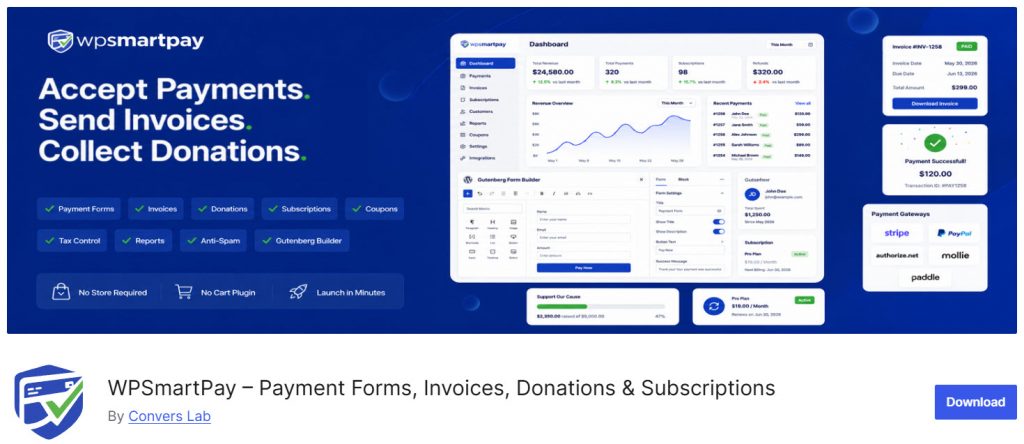
WPSmartPay is a WordPress payment plugin built for selling digital products, collecting donations, and accepting one-time or recurring payments without a full store.
The free version supports PayPal and manual payments, as well as form building, invoicing, and basic customer tools. The Pro version (starting at $99 a year) unlocks Stripe and additional gateways, subscription billing, advanced coupons, and more integrations.
It works well as a WP Simple Pay alternative when you need payment forms, invoicing, and digital product delivery in a single plugin without relying solely on Stripe.
Features
- Payment forms for products, donations, and services
- PayPal support in the free version
- Stripe and extra gateways in Pro
- One-time and recurring payment options
- Invoice creation and customer management
- Digital product delivery tools
- Gutenberg form builder and templates
Pros and Cons
| Pros | Cons |
|---|---|
| Useful mix of payments, invoices, and digital sales | Stripe available only in the Pro version |
| Free version includes PayPal and core form tools | Smaller user base than some larger plugins |
| Good option for simple product and subscription sales | |
| No full store setup required |
Pricing
WPSmartPay is freemium. The free version can be downloaded from the WordPress plugins repository, and the premium version starts at $99 a year.
Common Mistakes to Avoid While Choosing the Best WordPress Payment Plugins
Picking the right payment plugin for WordPress can save time and reduce checkout issues, but a few common mistakes often lead to the wrong choice.
Focusing only on price or a familiar name may leave you with limited payment methods or a tool that does not fit your WordPress site.
- Choosing based on brand recognition alone: A popular plugin is not always the best fit. Compare features to your real needs rather than assuming a well-known option is the right payment gateway for you.
- Ignoring free plan limits: Many free payment plugins restrict gateways, recurring payments, or form options. Check what the free version actually includes before relying on it long-term.
- Overlooking supported payment methods: If your customers expect Stripe, PayPal, or local options, make sure the plugin supports the payment methods you need from day one.
- Forgetting checkout experience: A complicated form or poorly designed checkout page can lower conversion rates, even if the payment processor itself is reliable.
- Skipping security and compliance basics: Always confirm that the plugin adheres to secure payment standards and works cleanly with your chosen processor.
- Not matching the plugin to your use case: A simple payment form tool may work for donations or services, while a full store needs a different setup. Match the plugin to how you actually collect payments.
Here are some more posts that you might find useful:
- What Is ‘Buffer Time,’ and Why Your Calendar Probably Needs More of It
- 920+ Reiki and Energy Healing Business Name Ideas
- 850+ Advertising Agency Name Ideas That Actually Stand Out
- What’s New in Bookster 3.3.0
- 720 Yoga Studio Name Ideas for a Calm, Memorable Brand
Frequently Asked Questions
Now, let’s take a look at some frequently asked questions and answers on this topic.
What is the best alternative to WP Simple Pay?
There is no single best option for every site. WP Full Pay works well for Stripe-focused forms, Payment Page supports Stripe and PayPal, and Paymattic offers multiple gateways at a lower price. Choose based on the payment methods and features you need.
Which payment plugin is best for a simple WordPress website?
For simple payment collection, Accept Stripe Payments and WP Full Pay are practical choices. Both let you create payment forms without building a full store, making them useful for services, donations, or one-time sales.
Can I use a free payment plugin on my WordPress site?
Yes. Several free options exist, including WooCommerce Stripe Payment Gateway, Accept Stripe Payments, and the free versions of WP Full Pay, Payment Page, GiveWP, Paymattic, and WPSmartPay. Check each free plan’s limits before relying on it long-term.
What is the best Stripe payment plugin for WordPress?
WP Full Pay and the official WooCommerce Stripe Payment Gateway are strong Stripe options. WP Full Pay is better for standalone forms, while the WooCommerce plugin is ideal if you already run a store checkout.
Do I need PayPal support in my payment solution?
It depends on your audience. Many customers still prefer PayPal, so plugins like Payment Page, Paymattic, GiveWP, and WPSmartPay can be useful when you want both Stripe and PayPal options.
How do I choose the right payment gateway for my WordPress website?
Start with the payment methods your customers use most, then check fees, form flexibility, and how easily the plugin integrates with your site. Test the free version when available before upgrading.
Is Stripe Checkout better than an on-site payment form?
Stripe Checkout is secure and familiar to many users, while on-site forms can feel more seamless. Some plugins support both, so you can choose the flow that fits your design and conversion goals.
Can these plugins replace a full eCommerce setup?
Many of them can handle simple payments, donations, and subscriptions without WooCommerce. If you need product catalogs, shipping, and complex carts, a full store setup is still the better path.
Which plugin is best for donations on a WordPress site?
GiveWP is built specifically for fundraising and donor management. Paymattic and Payment Page also support donation forms and can work well for simpler giving setups.
What should I look for in top WordPress payment plugins?
Focus on supported gateways, ease of form creation, transaction costs, security, and whether the plugin fits your use case. The right payment solution should make checkout simple for customers and easy to manage from your WordPress dashboard.
Conclusion
Choosing the right WP Simple Pay alternative depends on how you want to collect payments on your WordPress site. WP Full Pay is a strong option for clean Stripe payment forms and subscriptions.
Payment Page works well if you want Stripe and PayPal with modern templates. GiveWP is better for donations and fundraising campaigns. Paymattic offers an affordable multi-gateway setup for both payments and donations.
WooCommerce Stripe Payment Gateway is ideal for full stores that need a free Stripe checkout. Accept Stripe Payments is suitable for simple one-time sales, while WPSmartPay is better suited to digital products and invoices.
Test a free version first, match the plugin to your checkout needs, and pick the payment solution that keeps credit card and online payments simple for your customers.
Which plugin are you going to use?
Let us know in the comments.
We hope you found this article helpful and enjoyed reading it. If you did, feel free to check out our blog archive for more useful guides and tips. Also, check out our YouTube channel, X, and Facebook page to get the latest news.

