

Are you looking for the best WordPress video conference plugins? In this article, we are going to show you the top seven plugins you need to be using!
Video conferencing has become essential for businesses, educators, and online communities. A reliable WordPress video conference plugin lets you host meetings, webinars, consultations, and live sessions directly on your website without relying on external tools.
In this article, we compare the 7 best WordPress video conference plugins in 2026.
We evaluate each plugin based on features, ease of use, integration quality (Zoom, Jitsi, etc.), customization options, and performance to help you find the perfect solution for your WordPress site.
First, we will see what video conference plugins are and why you should use them.
Table of Contents
What Are Video Conference Plugins and Why Use Them?
Video conference plugins for WordPress are tools that allow you to host live video calls, webinars, meetings, and consultations directly on your WordPress website.
Instead of sending users to external platforms like Zoom or Google Meet, these plugins let you embed video chat and real-time communication features seamlessly into your site.
They are especially useful for coaches, consultants, educators, and businesses offering online services. A good WordPress video conference plugin improves user experience, builds trust, and keeps visitors on your website longer.
Many plugins support features like screen sharing, recording, chat, scheduling, and integration with Zoom or Agora. In 2026, using a reliable video conferencing plugin has become essential for professional communication and service delivery on your WordPress site.
What to Look for In WordPress Video Conference Plugins?
Choosing the right video conferencing plugin for your WordPress website is crucial for delivering smooth, professional, and secure virtual meetings. Here are the key factors to consider:
- Integration with Popular Platforms: Look for plugins that integrate seamlessly with Zoom, Jitsi Meet, or Agora to ensure reliable video quality and support features like screen sharing and recording.
- Ease of Use and Customization: The plugin should have a clean interface and allow easy customization of the meeting room, branding, and user interface to match your WordPress site.
- HD Video & Performance: Choose a plugin that supports high-quality video calls with minimal lag and works well on both desktop and mobile devices.
- Security & Privacy Features: Ensure the plugin offers strong security options such as password protection, waiting rooms, and data encryption.
- Free Version vs. Pro Features: Check what the free version offers and whether the Pro version is worth the upgrade for features such as webinars, analytics, or advanced moderation.
- Compatibility & Support: The plugin should work well with your current theme and page builder (Gutenberg or Elementor) and have good customer support and regular updates.
7 Best WordPress Video Conference Plugins
| Plugin Name | Free Version | Pricing | Main Technology | Best For | Key Strengths | Ease of Use | Performance |
|---|---|---|---|---|---|---|---|
| Video Conferencing with Zoom | Yes | $39.99/year (Pro) | Zoom API | Zoom users & webinars | Easy integration, reliable | Very Easy | Good |
| FlexMeeting | Yes | $59/year (Pro) | Jitsi Meet | Self-hosted & privacy-focused | Unlimited meetings, no vendor lock-in | Easy | Good |
| eRoom | Yes | $9.49/month (Pro) | Custom + Zoom | All-in-one solution | Feature-rich, good UI | Easy | Good |
| GoodMeet | Yes | $69/year (Pro) | Agora | Clean & modern meetings | Modern interface, good performance | Easy | Good |
| MeetingHub | Yes | $79/year (Pro) | Agora + Multi | Advanced & scalable meetings | Multi-platform, strong features | Moderate | Excellent |
| Virtual Classroom | Yes | $59/year (Pro) | BigBlueButton | Education & interactive classes | Excellent for classrooms & training | Moderate | Good |
| AtomChat | Yes (Full) | Free | Custom | Budget-friendly video chat | Completely free, simple | Very Easy | Good |
1. Video Conferencing with Zoom
Video Conferencing with Zoom is one of the most popular and feature-rich WordPress video conference plugins. It allows you to create and host Zoom meetings directly from your WordPress dashboard. Users can easily schedule, start, and join meetings without leaving your website.
The plugin supports one-click meeting creation, calendar integration, and shortcodes for embedding meeting rooms on any page. The free version is quite capable for basic needs, while the Pro version unlocks powerful features such as webinars, recurring meetings, advanced customization, and better user management.
It is an excellent choice for coaches, educators, consultants, and businesses that want to run professional video calls and webinars on their WordPress site.
Features
- Create and host Zoom meetings directly on your WordPress site
- One-click meeting start and join
- Shortcode and Gutenberg block support
- Calendar and booking integration
- Recurring meetings and advanced scheduling (Pro)
- Customizable meeting room UI
Pros and Cons
| Pros | Cons |
|---|---|
| Strong integration with the official Zoom API | The free version has limited features |
| Easy to use with good documentation | |
| Regular updates and active development | |
| Supports webinars in the Pro version |
Pricing
Video Conferencing with Zoom is a freemium plugin. The Pro version starts at $39.99 per year.
2. FlexMeeting
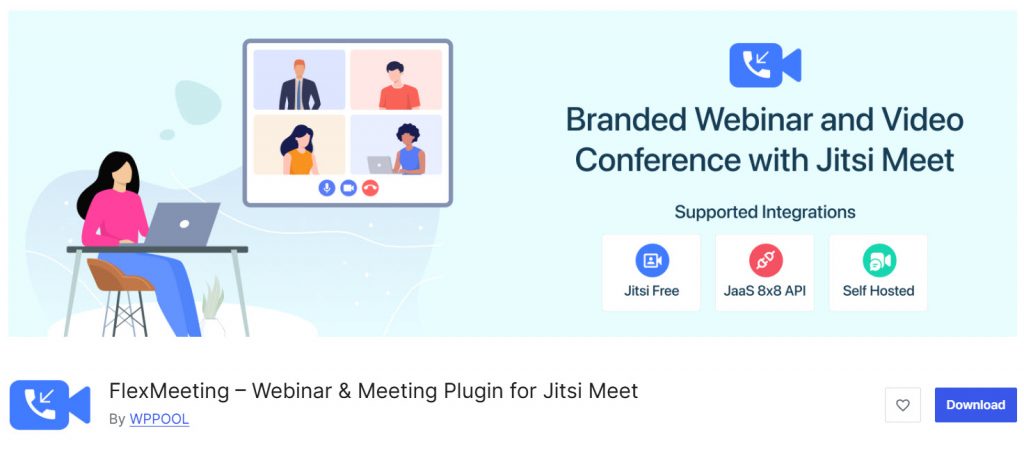
FlexMeeting (formerly known as Webinar and Video Conference with Jitsi Meet) is a powerful, self-hosted WordPress video conferencing plugin that uses Jitsi Meet technology.
It allows you to create and host unlimited video meetings, webinars, and live sessions directly on your own WordPress website without depending on third-party services like Zoom. This plugin is ideal for businesses, educators, coaches, and communities that want full control over their data and branding.
The free version offers solid core functionality, while the Pro version unlocks advanced features such as custom branding, recording, live streaming, user management, and monetization options. It is a great choice for those seeking a privacy-focused, cost-effective video conferencing solution.
Features
- Self-hosted video conferencing using Jitsi Meet
- Unlimited meetings and participants
- Custom meeting rooms and branding
- Screen sharing and live streaming
- User registration and management
- Responsive design for all devices
Pros and Cons
| Pros | Cons |
|---|---|
| Fully self-hosted with no external dependency | Requires a strong server for large meetings |
| Unlimited meetings and participants | |
| Good privacy and data control | |
| Affordable Pro version |
Pricing
FlexMeeting is a freemium plugin. The Pro version starts at $59 per year.
3. eRoom
eRoom is a powerful all-in-one WordPress video conference plugin that lets you create and host professional meetings, webinars, and live sessions directly on your WordPress website. It is designed as one of the best WordPress video conference plugins for users who want an easy-to-use yet feature-rich solution.
You can easily embed video chat rooms, schedule meetings, and manage participants from your WordPress dashboard. The plugin supports high-quality video, screen sharing, chat, and interactive tools.
The free version is good for basic needs, while the Pro version unlocks advanced features such as custom branding, monetization, recording, and improved webinar tools. eRoom helps you streamline communication and enhance user experience without relying on external platforms.
Features
- Create and host video conferences and webinars
- High-quality video calls and screen sharing
- Built-in chat and interactive features
- Easy embedding on any page or post
- Customizable meeting room interface
Pros and Cons
| Pros | Cons |
|---|---|
| Feature-rich and easy to embed | Advanced features require the Pro version |
| Good customization and branding options | |
| Strong performance with modern UI | |
| Supports webinars and monetization |
Pricing
eRoom is a freemium plugin. The Pro version starts at $9.49 per month.
4. GoodMeet
GoodMeet is a modern WordPress video conferencing plugin that allows you to host high-quality video meetings, webinars, and live sessions directly on your WordPress website.
Built with simplicity and performance in mind, it provides a clean interface for creating and managing meetings without relying on external tools. The plugin supports real-time video chat, screen sharing, and participant management. It is suitable for coaches, consultants, educators, and businesses that want to offer virtual services.
The free version offers core functionality, while the Pro version unlocks advanced features such as custom branding, recording, WooCommerce integration for paid meetings, and better moderation tools. GoodMeet is a solid choice among video conferencing plugins for users who want a reliable and easy-to-use solution on their WordPress site.
Features
- Create and host professional video meetings
- Real-time video chat and screen sharing
- Participant management and moderation
- Responsive design for mobile devices
- Easy shortcode and block integration
Pros and Cons
| Pros | Cons |
|---|---|
| Modern and user-friendly interface | Advanced features require Pro version |
| Good performance and clean design | |
| Supports WooCommerce for paid meetings | |
| Regular updates and active support |
Pricing
GoodMeet is a freemium plugin. The Pro version starts at $69 per year.
5. MeetingHub
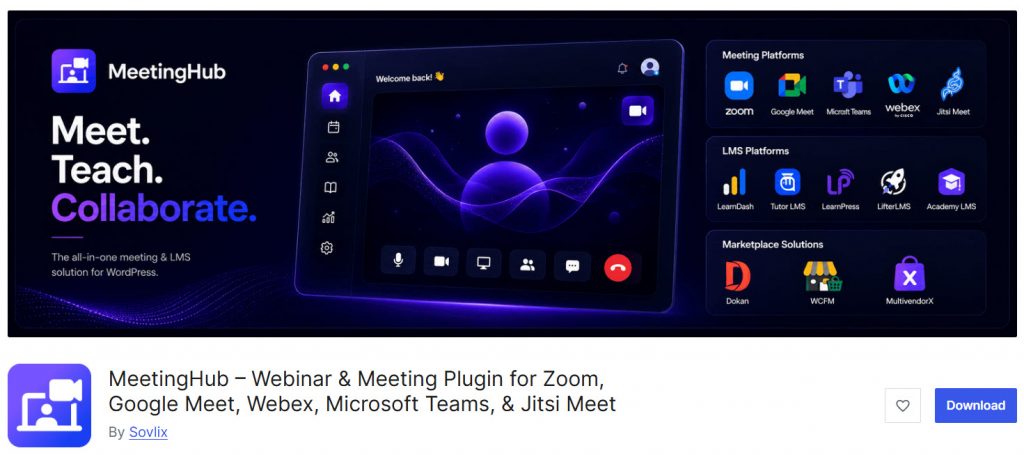
MeetingHub is a comprehensive WordPress video conferencing plugin that allows you to host professional meetings, webinars, and live sessions directly on your WordPress website. It supports multiple video conferencing platforms and provides a powerful all-in-one solution for businesses, educators, and service providers.
The plugin is designed to be user-friendly while offering advanced functionality. You can easily embed video chat rooms, schedule meetings, and manage participants from your WordPress dashboard.
The free version is suitable for basic needs, while the Pro version unlocks powerful features such as custom branding, recording, monetization, and advanced moderation tools. MeetingHub is a strong contender among the best WordPress video conference plugins, especially for users who want flexibility and scalability.
Features
- Host meetings and webinars directly on your WordPress site
- Support for multiple video platforms
- Real-time video chat and screen sharing
- Easy embedding with shortcodes and blocks
- Responsive design for mobile devices
- Interactive tools like chat, polls, and Q&A
Pros and Cons
| Pros | Cons |
|---|---|
| Flexible and supports multiple platforms | Advanced features require the Pro version |
| Good customization and branding options | |
| Strong performance with interactive tools | |
| Regular updates and active development |
Pricing
MeetingHub is a freemium plugin. The Pro version starts at $79 per year.
6. Virtual Classroom
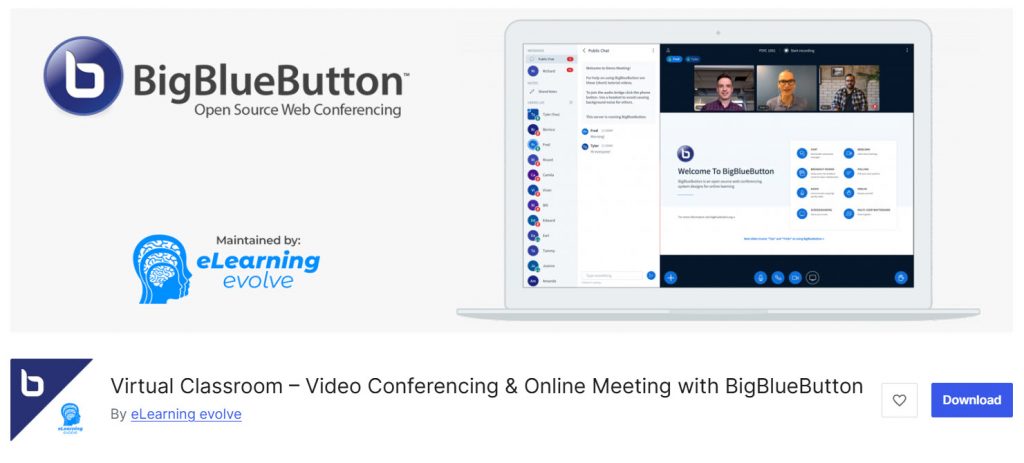
Virtual Classroom is a robust WordPress video conferencing plugin built on BigBlueButton (BBB) technology. It enables you to create and host professional virtual classrooms, webinars, interactive meetings, and training sessions directly on your WordPress website.
This plugin is especially popular among educators, trainers, coaches, and businesses that need a full-featured virtual classroom experience. The free version offers core functionality, while the Pro version unlocks advanced features such as custom branding, recording, monetization, user management, and better moderation tools.
It is a strong choice among the best WordPress video conference plugins for users seeking an interactive, self-hosted solution.
Features
- Built on BigBlueButton for high-quality video conferencing
- Create and host virtual classrooms and webinars
- Screen sharing, whiteboard, polls, and breakout rooms
- Recording and playback options
- Interactive tools for engagement
Pros and Cons
| Pros | Cons |
|---|---|
| Excellent for interactive virtual classes | Requires strong server resources for large groups |
| Feature-rich with good engagement tools | |
| Good free version available | |
| Regular updates and active development |
Pricing
Virtual Classroom is a freemium plugin. The Pro version starts at $59 per year.
7. AtomChat
AtomChat is a completely free and powerful WordPress video conferencing plugin that lets you add real-time video chat and live communication features directly to your website. It supports one-on-one video calls, group meetings, and interactive chat rooms without any monthly fees or hidden costs.
This plugin is ideal for coaches, consultants, support teams, educators, and online communities who want a simple yet effective video solution. It offers a clean interface, easy embedding options, and decent performance for small to medium-sized meetings.
AtomChat stands out as one of the best free plugins among WordPress video conference plugins, especially for users who want to avoid expensive subscriptions while still getting solid video functionality.
Features
- Real-time video conferencing and chat
- One-on-one and group video calls
- Customizable chat rooms and interface
- Screen sharing support
- Easy shortcode and block integration
- Responsive design for mobile devices
Pros and Cons
| Pros | Cons |
|---|---|
| Completely free with no upsells | May require good server resources for larger groups |
| Simple and easy to set up | |
| Good real-time performance | |
| Clean and modern interface |
Pricing
AtomChat is a completely free plugin available on the WordPress.org repository.
Frequently Asked Questions
Now, let’s take a look at some frequently asked questions and answers on this topic.
What is the best WordPress video conference plugin?
The best WordPress video conference plugin depends on your needs. Video Conferencing with Zoom is popular for ease of use, while FlexMeeting (Jitsi-based) is excellent for self-hosted solutions. MeetingHub and eRoom are also strong options among the top WordPress video conferencing plugins.
Which is the best free WordPress video conference plugin?
AtomChat and the free version of FlexMeeting are among the best free WordPress video conference plugins. They offer solid real-time video chat and interactive features without any cost.
How do I embed a video conferencing plugin on my WordPress website?
Most plugins provide shortcodes or Gutenberg blocks. You can easily embed the video chat or meeting room on any page using the plugin’s shortcode or widget. Some plugins also offer pop-up options to improve the user experience.
Do these plugins support webinars?
Yes. Plugins like Video Conferencing with Zoom and eRoom support webinars and large group sessions. The Pro versions usually offer better webinar tools and moderation features.
Is Agora video supported in WordPress plugins?
Yes. Some powerful plugins like MeetingHub support Agora video for high-quality, self-hosted video calls and interactive features.
Can I use a WordPress video conference plugin with WooCommerce?
Yes. Several plugins, including eRoom and MeetingHub, offer WooCommerce integration. This allows you to sell tickets or paid access to meetings and webinars directly from your WordPress site.
Which plugin is best for interactive video features?
FlexMeeting and MeetingHub are strong choices for interactive video. They offer features like screen sharing, chat, polls, and breakout rooms.
Are these plugins easy to use for beginners?
Most popular WordPress video conference plugins are beginner-friendly. Plugins like Video Conferencing with Zoom and AtomChat have simple interfaces and good documentation.
Do I need a powerful plugin for large meetings?
For large meetings and webinars, it is recommended to choose a powerful plugin like eRoom or MeetingHub with Pro features. They offer better performance and scalability.
How do I choose the right video conferencing plugin for my WordPress site?
Consider your main needs: ease of use, budget, integration (Zoom, Jitsi, Agora), and features like webinars or monetization. Test the plugin’s free version on your WordPress site before deciding.
Here are some more useful articles you might need to check:
- 700+ Candle Business Name Ideas You Can Use for Your Business
- What Is ‘Buffer Time,’ and Why Your Calendar Probably Needs More of It
- 650+ Best Landscaping Business Name Ideas for Your Next Business
- 750+ Best Bakery Business Name Ideas for Your Next Business
- 920+ Reiki and Energy Healing Business Name Ideas
Conclusion
There are many powerful WordPress video conference plugins available in 2026. Whether you need a simple free plugin or a feature-rich premium solution, the right choice depends on your requirements for video quality, customization, and integration.
From Zoom-based solutions to self-hosted options like Jitsi and BigBlueButton, these plugins help you host professional meetings, webinars, and live sessions directly on your WordPress website. Evaluate based on ease of use, performance, and budget.
The best video conferencing plugins for WordPress streamline communication and enhance user experience on your site.
Which plugin are you going to choose?
Let us know in the comments.
We hope you found this article helpful and enjoyed reading it. If you did, feel free to check out our blog archive for more useful guides and tips. Also, check out our YouTube channel, X, and Facebook page to get the latest news.

