

Are you looking for the best FedEx WooCommerce plugins? In this post, we will show you nine of the best plugins to consider.
Managing shipping for a WooCommerce store can be time-consuming, especially when using FedEx. A reliable FedEx shipping plugin for WooCommerce helps you display real-time shipping rates, generate shipping labels, and streamline the entire shipping process.
The right plugin lets you calculate accurate rates at checkout and print labels directly from your WooCommerce dashboard.
In this article, we review the best FedEx WooCommerce plugins that support live rates, label printing, and delivery tracking to help you choose the right solution for your store.
First, we will see what FedEx WooCommerce plugins are.
Table of Contents
What Are FedEx WooCommerce Plugins?
A FedEx shipping plugin for WooCommerce is a tool that connects your online store with FedEx services. It allows you to display real-time shipping rates, generate shipping labels, and manage deliveries directly from your WooCommerce dashboard.
These plugins help store owners calculate accurate rates during checkout, print shipping labels, and provide customers with reliable shipping options.
Many FedEx WooCommerce plugins also support domestic and international shipping, FedEx One Rate, and weight-based shipping calculations.
By integrating FedEx with your WooCommerce store, you can automate shipping label generation, reduce manual work, and offer customers live rates at checkout. This improves both the shipping process and the overall customer experience.
Why Do You Need a Dedicated FedEx WooCommerce Shipping Plugin on Your WooCommerce Store?
Using FedEx with a standard WooCommerce setup often leads to manual work and errors. A dedicated FedEx shipping plugin for WooCommerce helps you display real-time shipping rates directly on your WooCommerce cart and checkout pages.
It allows you to calculate accurate shipping rates during checkout, generate shipping labels, and print them directly from your dashboard. This saves time, reduces mistakes, and provides customers with reliable shipping options.
With features like live rates, automatic label generation, and better shipping management, a dedicated plugin makes your shipping process more efficient and professional.
What to Look For in a WooCommerce FedEx Shipping Plugin?
Choosing the right FedEx shipping plugin for WooCommerce is important for smooth shipping operations. Here are the key features you should look for:
- Real-Time Shipping Rates: The plugin should calculate and display FedEx shipping rates in real time on your WooCommerce cart and checkout pages, ensuring customers see accurate shipping costs.
- Shipping Label Generation & Printing: A good plugin allows you to generate and print shipping labels directly from the WooCommerce dashboard without needing to log into the FedEx website.
- Shipping Address Validation: The plugin should validate shipping addresses during checkout to reduce failed deliveries and improve customer experience.
- Support for FedEx Services: Ensure the plugin supports major FedEx services, including FedEx Express, FedEx Ground, and FedEx One Rate for both domestic and international shipping.
- Easy Integration & Setup: Choose a plugin that integrates smoothly with WooCommerce and offers a simple setup process, so you can start using live rates and label printing quickly.
Best 9 FedEx WooCommerce Shipping Plugins You Need to Know
| Plugin Name | Free Version | Pricing | Real-time Shipping Rates | Shipping Label Printing | Tracking Support | Best For |
|---|---|---|---|---|---|---|
| PluginHive FedEx Shipping with Print Label | No | $99/year | Yes | Excellent | Yes | Full FedEx solution (Rates + Labels) |
| FedEx Shipping Method by WooCommerce | No | $109/year | Excellent | Limited | Basic | Official & reliable live rates |
| WooCommerce FedEx Shipping Pro by Techspawn | No | $39 one-time | Yes | Good | Yes | Budget-friendly one-time purchase |
| Shipping Live Rates for FedEx (Octolize) | Yes (Limited) | $79/year (Pro) | Excellent | Limited | No | Accurate real-time shipping rates |
| ELEX EasyPost WooCommerce Shipping Plugin | No | $89/year | Yes | Good | Yes | Multi-carrier + label printing |
| ReachShip Multi-Carrier Shipping | Yes | Pro (Paid) | Yes | Limited | Basic | Conditional shipping rules |
| Advanced Shipment Tracking (Zorem) | Yes | $129/year (Pro) | No | No | Excellent | Delivery tracking & notifications |
| WooCommerce Shipping Pro for EasyPost | No | $39 one-time | Yes | Good | Yes | Budget multi-carrier solution |
| Advanced FedEx Shipping | Yes (Limited) | $69/year (Pro) | Yes | Good | Yes | Dedicated FedEx plugin |
1. FedEx Shipping with Print Label by PluginHive
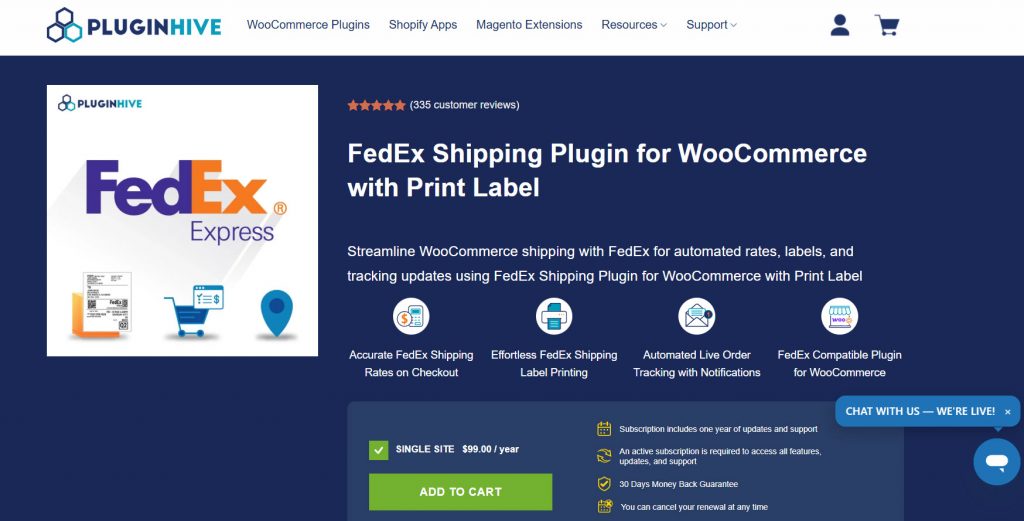
PluginHive FedEx Shipping with Print Label is a premium WooCommerce plugin that fully integrates FedEx shipping into your store. It allows you to display real-time FedEx shipping rates during checkout and generate shipping labels directly from the WooCommerce dashboard.
The plugin supports both manual and automatic label generation, bulk label printing, and return label creation. It also provides automatic tracking updates to customers.
With features like packaging automation, address validation, and support for domestic and international shipping, it helps store owners manage their entire FedEx shipping process without leaving WordPress.
This plugin is especially useful for stores that frequently ship with FedEx and want to reduce manual work while providing accurate shipping costs to customers.
Features
- Displays real-time FedEx shipping rates on cart and checkout pages
- Generate and print FedEx shipping labels directly from WooCommerce
- Supports automatic label generation after order placement
- Bulk shipping label printing for multiple orders
- Creates return shipping labels
- Automatic shipment tracking updates
- Packaging automation with smart box selection
Pros and Cons
| Pros | Cons |
|---|---|
| Strong real-time shipping rates and label printing | Premium only (no free version) |
| Good automation for label generation | |
| Reliable tracking updates | |
| Regular updates and good support |
Pricing
PluginHive FedEx Shipping with Print Label is a premium plugin. The pricing starts at $99 per year.
2. FedEx Shipping Method by WooCommerce
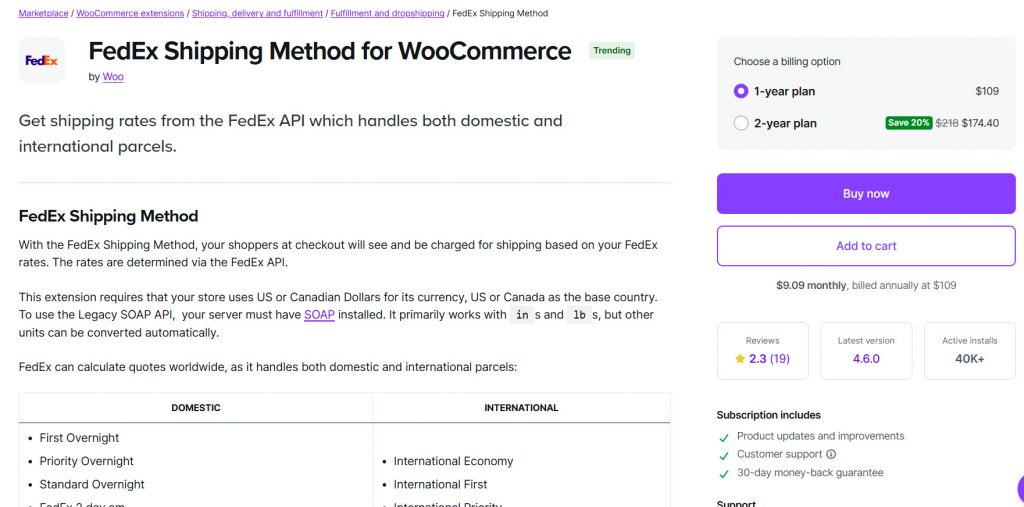
FedEx Shipping Method by WooCommerce is the official WooCommerce shipping plugin for integrating FedEx services. It allows store owners to pull accurate, real-time shipping rates directly from the FedEx API and display them to customers during checkout.
This plugin supports both domestic and international shipping, including popular FedEx services like FedEx Ground, FedEx Express, and FedEx One Rate. It is designed to provide reliable rate calculations based on your FedEx account settings, package dimensions, and shipping address.
While it excels at delivering accurate live rates, it offers fewer built-in tools for shipping label generation and printing than some third-party plugins. It is a good choice for store owners who primarily need reliable, real-time rates and prefer to use an official solution.
Features
- Displays real-time FedEx shipping rates during checkout
- Supports domestic and international shipping
- Works with multiple FedEx services, including FedEx Ground and FedEx Express
- Supports FedEx One Rate pricing
- Clean integration with WooCommerce shipping zones
- Calculates shipping costs based on weight and dimensions
Pros and Cons
| Pros | Cons |
|---|---|
| Official plugin with reliable performance | Limited shipping label printing features |
| Accurate real-time rates | |
| Good for domestic and international shipping | |
| Regular updates from WooCommerce |
Pricing
FedEx Shipping Method by WooCommerce is a premium plugin. The pricing starts at $109 per year.
3. WooCommerce FedEx Shipping Pro by Techspawn
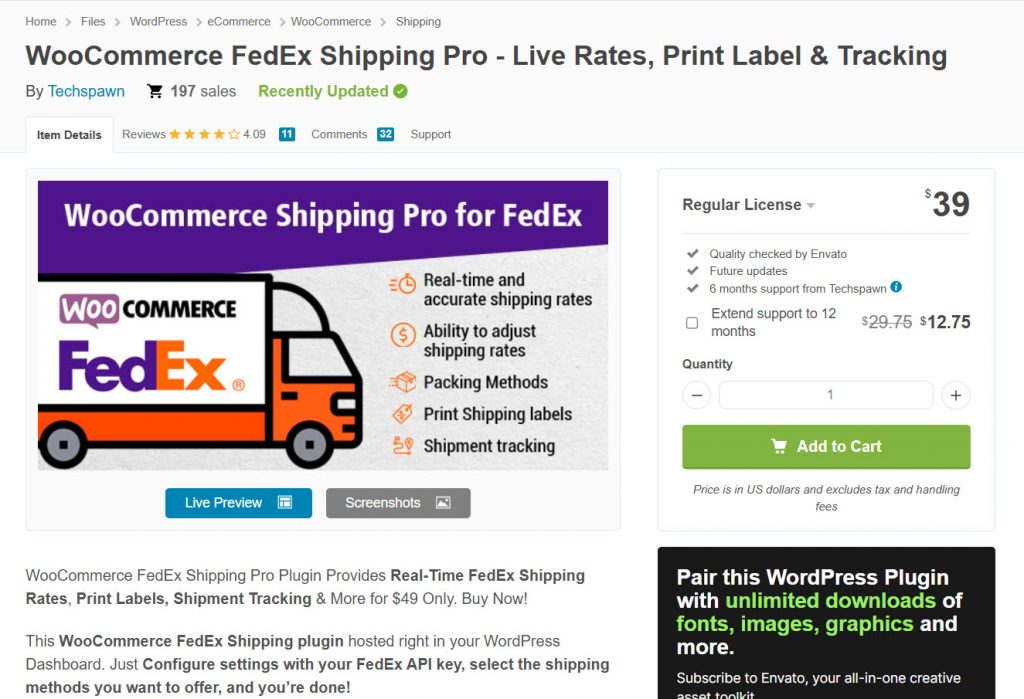
WooCommerce FedEx Shipping Pro by Techspawn is a popular one-time purchase plugin that helps WooCommerce store owners integrate FedEx shipping with real-time rates and label printing.
It connects directly with the FedEx API to display accurate shipping rates during checkout based on weight, dimensions, and destination. The plugin supports both domestic and international shipping and includes features such as shipping label generation, bulk label printing, and return label creation.
It also offers packaging automation and the ability to manage multiple FedEx services from the WooCommerce dashboard.
Features
- Displays real-time FedEx shipping rates during checkout
- Generate and print shipping labels directly from WooCommerce
- Supports bulk label printing for multiple orders
- Creates return shipping labels
- Supports domestic and international shipping
- Offers multiple packaging and box selection options
Pros and Cons
| Pros | Cons |
|---|---|
| One-time purchase (no yearly renewal) | Interface feels slightly dated |
| Good balance of rates and label features | |
| Affordable pricing | |
| Supports both domestic and international shipping |
Pricing
WooCommerce FedEx Shipping Pro by Techspawn is a premium plugin available as a one-time purchase for $49.
4. Shipping Live Rates for FedEx for WooCommerce
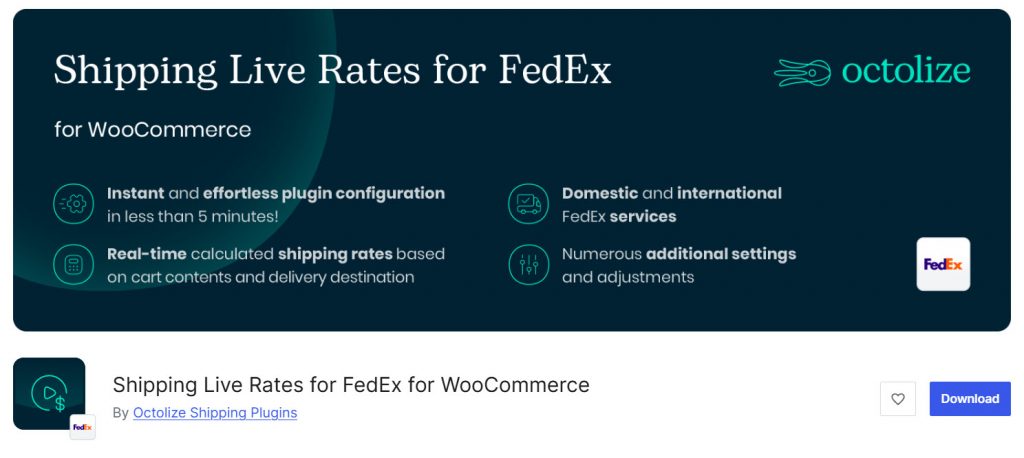
Shipping Live Rates for FedEx for WooCommerce by Octolize is a reliable plugin that displays accurate, real-time FedEx shipping rates directly on your WooCommerce cart and checkout pages. It connects with the FedEx API to calculate live shipping costs based on package weight, dimensions, and destination.
This plugin is especially useful for store owners who want to show customers precise FedEx rates during checkout without manual calculations. The free version offers solid basic live rate functionality, while the Pro version adds advanced features such as conditional shipping rules, table rates, and more flexible configuration options.
It focuses primarily on delivering accurate shipping rates rather than label printing. If your main requirement is showing real-time FedEx rates to customers, this plugin is a strong and trustworthy choice.
Features
- Displays real-time FedEx shipping rates on cart and checkout pages
- Supports multiple FedEx services, including FedEx Express and FedEx Ground
- Calculates shipping costs based on weight and dimensions
- Clean and lightweight integration with WooCommerce
- Supports domestic and international shipping
- Pro version adds conditional logic and advanced rate rules
Pros and Cons
| Pros | Cons |
|---|---|
| Excellent for displaying real-time rates | Limited built-in shipping label features |
| Strong free version available | |
| Reliable performance and regular updates | |
| Good for accurate shipping cost calculation |
Pricing
Shipping Live Rates for FedEx for WooCommerce is a freemium plugin. The Pro version starts at $79 per year.
5. ELEX EasyPost WooCommerce Shipping Plugin
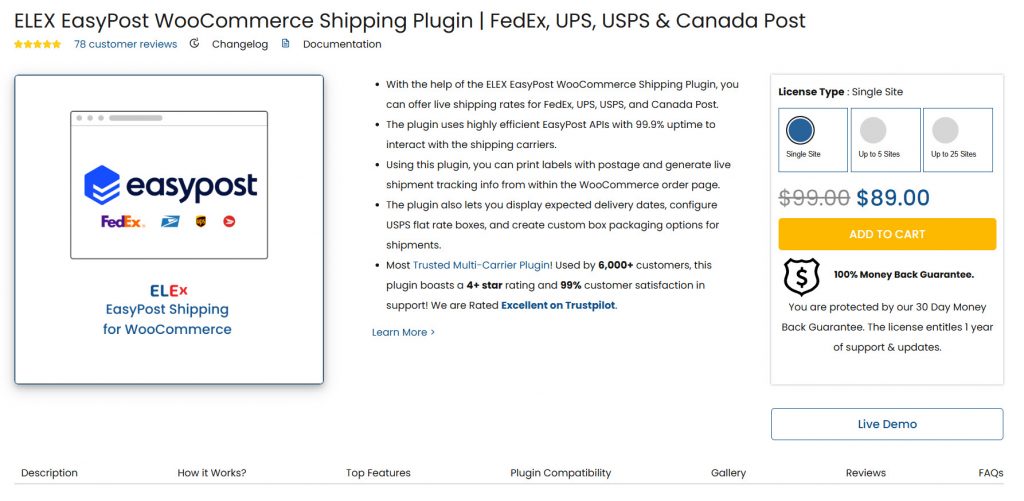
ELEX EasyPost WooCommerce Shipping Plugin allows you to connect your WooCommerce store with EasyPost, a popular multi-carrier shipping platform. Through EasyPost, you can access real-time shipping rates and generate shipping labels for multiple carriers, including FedEx.
This plugin is useful for store owners who want to compare rates across different carriers or primarily use FedEx while keeping the option to add others later. It supports live rate calculation during checkout, shipping label generation, and tracking updates directly from the WooCommerce dashboard.
The plugin is especially helpful for growing stores that need a flexible shipping solution with strong label printing capabilities and multi-carrier support, rather than being limited to a single carrier.
Features
- Displays real-time shipping rates from FedEx and other carriers
- Generate and print shipping labels directly from WooCommerce
- Supports bulk label generation and printing
- Provides automatic shipment tracking updates
- Works with multiple carriers through EasyPost
- Supports domestic and international shipping
Pros and Cons
| Pros | Cons |
|---|---|
| Good multi-carrier support through EasyPost | Not a dedicated FedEx-only plugin |
| Strong shipping label generation features | |
| Useful for stores using multiple carriers | |
| Regular updates and reliable performance |
Pricing
ELEX EasyPost WooCommerce Shipping Plugin is a premium plugin. The pricing starts at $89 per year.
6. ReachShip WooCommerce Multi-Carrier & Conditional Shipping
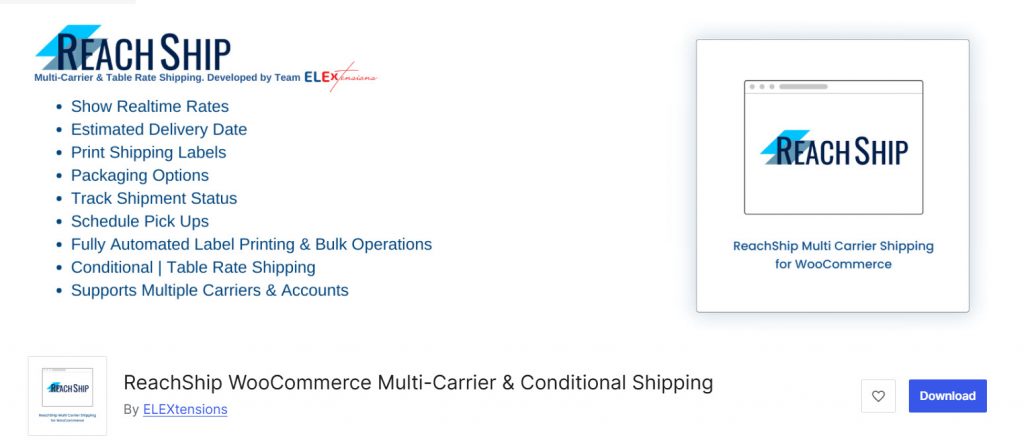
ReachShip WooCommerce Multi-Carrier & Conditional Shipping is a flexible plugin that allows you to connect multiple shipping carriers, including FedEx, to your WooCommerce store.
It enables you to display real-time shipping rates from different carriers and create advanced conditional shipping rules based on cart conditions, product categories, user roles, and more.
This plugin is particularly useful for store owners who want more control over their shipping methods beyond basic rate calculations.
The free version offers solid multi-carrier rate functionality, while the Pro version unlocks advanced features such as conditional logic, table rates, and enhanced label printing options.
Features
- Displays real-time shipping rates from FedEx and other carriers
- Supports advanced conditional shipping rules
- Works with multiple carriers in one plugin
- Clean integration with WooCommerce shipping zones
- Allows creating different shipping methods based on conditions
- Supports domestic and international shipping
- Pro version adds table rates and advanced logic
Pros and Cons
| Pros | Cons |
|---|---|
| Strong conditional shipping rules | Label printing is limited in the free version |
| Good multi-carrier support | |
| Useful for complex shipping setups | |
| Active development and regular updates |
Pricing
ReachShip WooCommerce Multi-Carrier & Conditional Shipping is a freemium plugin. The free version is available on WordPress.org, and the Pro version offers additional advanced features.
7. Advanced Shipment Tracking for WooCommerce
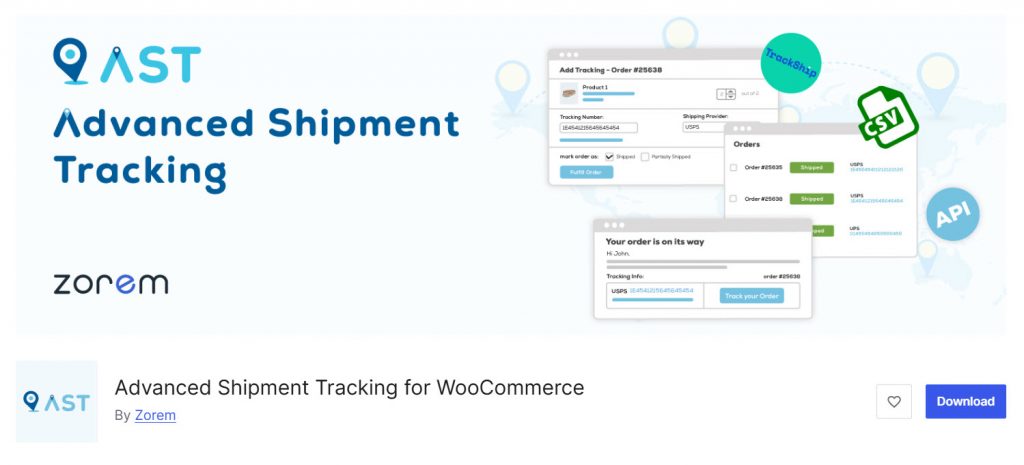
Advanced Shipment Tracking for WooCommerce by Zorem is a popular plugin that helps store owners add tracking information to their orders and automatically share it with customers. It supports over 950 carriers, including FedEx, making it a strong choice for delivery tracking.
The plugin allows you to add tracking numbers manually or through bulk CSV import. Once added, it automatically sends tracking details to customers via email and displays a tracking widget on the My Account page.
This helps reduce “Where is my order?” support tickets and improves the overall customer experience. While it does not calculate live shipping rates or generate shipping labels, it excels at post-shipment tracking and customer communication.
If your main goal is to provide accurate tracking updates for FedEx and other carriers, this plugin is one of the best options available.
Features
- Add tracking numbers to WooCommerce orders
- Supports over 950 shipping carriers, including FedEx
- Automatically sends tracking information via email
- Displays tracking widget on the My Account page
- Bulk CSV import for adding tracking numbers
- Customizable tracking email templates
Pros and Cons
| Pros | Cons |
|---|---|
| Excellent for shipment tracking and updates | A little heavy |
| Strong free version with good features | |
| Reduces “Where is my order?” support tickets | |
| Supports a large number of carriers |
Pricing
Advanced Shipment Tracking for WooCommerce is a freemium plugin. The free version is available on WordPress.org. The Pro version starts at $129 per year.
8. WooCommerce Shipping Pro for EasyPost
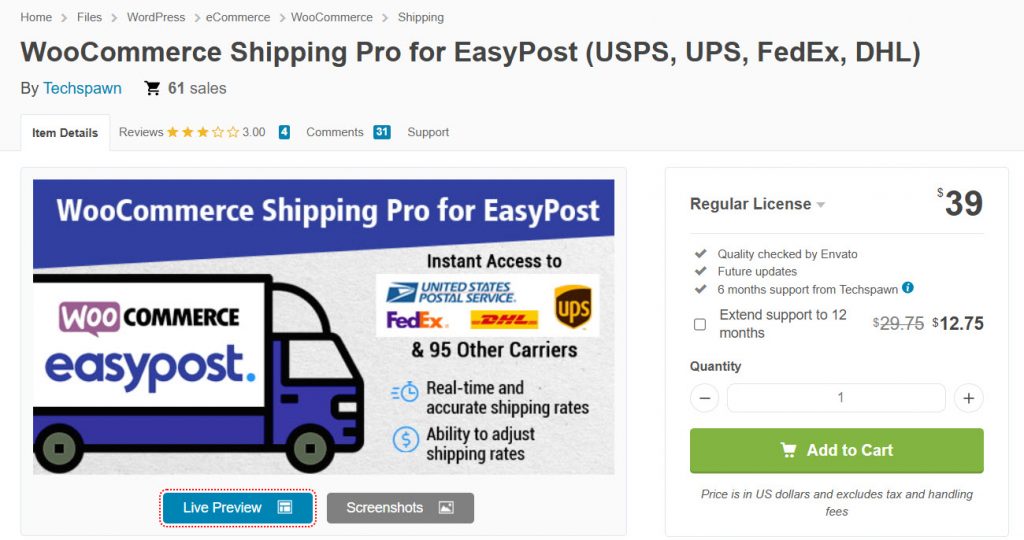
WooCommerce Shipping Pro for EasyPost is a powerful shipping plugin that connects your WooCommerce store with the EasyPost API. It allows you to get real-time shipping rates and generate shipping labels for multiple carriers, including FedEx, USPS, UPS, and DHL, directly from your WordPress dashboard.
This plugin is ideal for store owners who want to offer customers accurate shipping costs at checkout and print shipping labels without logging into multiple carrier accounts. It supports both domestic and international shipping and includes useful features like estimated delivery dates and shipment tracking.
If you are looking for a flexible, multi-carrier shipping solution that works well with FedEx and other major carriers, this plugin offers good value as a one-time purchase.
Features
- Displays real-time shipping rates from FedEx and other carriers
- Generate and print shipping labels directly from WooCommerce
- Supports domestic and international shipping
- Shows estimated delivery dates during checkout
- Allows voiding and canceling shipments
- Works with multiple carriers through a single EasyPost account
Pros and Cons
| Pros | Cons |
|---|---|
| One-time purchase with no recurring fees | Not a FedEx-only plugin |
| Good multi-carrier support | |
| Strong shipping label generation features | |
| Affordable pricing |
Pricing
WooCommerce Shipping Pro for EasyPost is a premium plugin available as a one-time purchase for $39.
9. Advanced FedEx Shipping
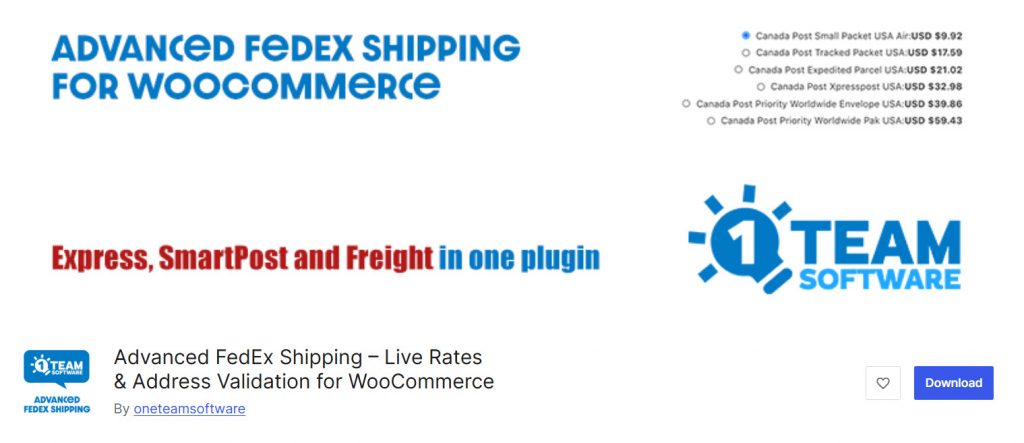
Advanced FedEx Shipping is a dedicated FedEx shipping plugin for WooCommerce that helps store owners display real-time shipping rates and manage shipping labels directly from the WordPress dashboard.
It connects with the FedEx API to provide accurate shipping costs based on weight, dimensions, and destination. The plugin supports both domestic and international shipping and includes useful features such as shipping label generation, bulk label printing, and return label creation.
It is designed to simplify the shipping process for store owners who primarily use FedEx as their main carrier. While the free version offers basic live rate functionality, the Pro version unlocks advanced features such as automatic label generation, enhanced packaging options, and improved workflow automation.
This plugin is a good choice for WooCommerce stores that want a focused FedEx solution with reliable performance.
Features
- Displays real-time FedEx shipping rates during checkout
- Generate and print shipping labels directly from WooCommerce
- Supports bulk label printing for multiple orders
- Creates return shipping labels
- Supports domestic and international shipping
- Works with multiple FedEx services, including FedEx Express and FedEx Ground
Pros and Cons
| Pros | Cons |
|---|---|
| Strong focus on FedEx shipping | The free version is quite limited |
| Good real-time rates and label features | |
| Clean integration with WooCommerce | |
| Regular updates and reliable performance |
Pricing
Advanced FedEx Shipping is a freemium plugin.
Frequently Asked Questions
Now, let’s take a look at some frequently asked questions and answers on this topic.
How can I integrate FedEx with WooCommerce for delivery tracking?
You can integrate FedEx with WooCommerce to enable delivery tracking using a shipping plugin that supports label generation. Once you generate a shipping label from the WooCommerce dashboard, the tracking number is automatically added to the order and emailed to the customer.
What are the benefits of using a dedicated FedEx shipping plugin for WooCommerce?
A dedicated FedEx shipping plugin for WooCommerce allows you to display real-time shipping rates during checkout, generate and print shipping labels directly from your dashboard, and automatically share tracking information with customers. This saves time and reduces manual work.
How do I choose the right FedEx WooCommerce plugin for my store?
Choose a plugin based on your main needs. For real-time shipping rates and label printing, go with PluginHive or Techspawn. For tracking only, Advanced Shipment Tracking is a good option. Also, compare pricing and ease of use before deciding.
Do FedEx WooCommerce plugins display real-time shipping rates?
Yes. Most good FedEx shipping plugins for WooCommerce calculate and display live FedEx rates during checkout based on package weight, dimensions, and destination. This helps customers see accurate shipping costs before placing an order.
Can I print FedEx shipping labels directly from WooCommerce?
Yes. Several plugins allow you to generate and print shipping labels directly from the WooCommerce dashboard. This saves time and reduces the need to log into the FedEx website for every order.
Do these plugins automatically add tracking information to orders?
Yes. When you generate a shipping label using a FedEx plugin, the tracking number is usually added to the order automatically. Customers then receive the FedEx tracking ID via email and can track their shipment from the My Account page.
Are there free FedEx plugins available for WooCommerce?
Yes. Some plugins, such as Shipping Live Rates for FedEx and Advanced FedEx Shipping, offer free versions with basic live-rate functionality. However, advanced features such as label printing and automation are usually available only in premium versions.
Can I use a FedEx plugin for international shipping?
Yes. Most FedEx WooCommerce plugins support both domestic and international shipping. They allow you to offer different FedEx services, such as FedEx Express and FedEx Ground, based on the customer’s shipping address.
Do FedEx plugins support return shipping labels?
Yes. Many premium FedEx shipping plugins allow you to create return shipping labels directly from the WooCommerce dashboard. This makes it easier to manage returns without having to manually create labels on the FedEx website.
Which FedEx plugin is best for small WooCommerce stores?
For small stores, plugins like Advanced FedEx Shipping (free + pro) or Shipping Live Rates for FedEx are good starting points. They offer essential features like real-time rates and label printing without being overly complex or expensive.
Conclusion
Choosing the right FedEx shipping plugin for your WooCommerce store can significantly improve your shipping process.
A good plugin helps you display accurate real-time shipping rates during checkout, generate and print shipping labels directly from your dashboard, and automatically share tracking information with customers.
The best plugin for you depends on your specific needs. If you want a complete solution with live rates and robust label-printing features, PluginHive FedEx Shipping with Print Label is one of the top choices.
As a one-time purchase, WooCommerce FedEx Shipping Pro by Techspawn offers good value. If your main focus is delivery tracking, Advanced Shipment Tracking for WooCommerce by Zorem is an excellent option.
Take time to evaluate your store’s shipping volume and budget, and whether you need label printing and tracking. Testing a few plugins on a staging site can help you find the one that fits your workflow best and improves both efficiency and customer satisfaction.
Which plugin are you going to use?
Let us know in the comments.
We hope you found this article helpful and enjoyed reading it. If you did, feel free to check out our blog archive for more useful guides and tips. Also, check out our YouTube channel, X, and Facebook page to get the latest news.

