

Are you looking for the best WordPress timeline plugins in 2026? If you are, keep reading this post. Here are the top 9 plugins for your WordPress site.
Timelines are a powerful way to showcase company history, product roadmaps, personal stories, or event sequences on your WordPress website.
A good timeline plugin helps you create engaging vertical and horizontal timeline layouts without coding. In this guide, we review the 9 best timeline plugins for WordPress.
We compare popular options like Cool Timeline and others based on design flexibility, ease of use, and features. You will find the right timeline plugin to create a professional and visually appealing timeline on your WordPress site.
First, we will take a look at what WordPress timeline plugins are and why to use them.
Table of Contents
What Are WordPress Timeline Plugins and Why Do We Need Them?
WordPress timeline plugins help you create visual timelines that display events, milestones, or stories in chronological order. These plugins allow you to build both vertical and horizontal timeline layouts on your WordPress website without writing any code.
You can use a timeline plugin to showcase company history, product roadmaps, personal achievements, event sequences, or blog post timelines.
Popular options like Cool Timeline make it easy to create an engaging timeline with custom designs, icons, images, and animations. Timeline plugins improve the visual appeal of your site and help visitors understand your story more clearly.
They also make content more interactive and easier to follow than plain-text lists. A good timeline plugin for WordPress turns simple information into a professional and attractive presentation that keeps users engaged longer.
What to Look for In a WordPress Timeline Plugin?
Choosing the right timeline plugin for your WordPress site depends on a few important factors. Here are the key things you should check:
- Vertical and Horizontal Timeline Support: Look for a plugin that offers both vertical timeline and horizontal timeline layouts so you can choose the style that best fits your design and content.
- Ease of Use and Editor Compatibility: The plugin should work seamlessly with the WordPress block editor (Gutenberg) and popular page builders such as Elementor. A simple interface or shortcode generator makes it easier to create a timeline without coding.
- Customization Options: Good timeline plugins let you control timeline design, colors, fonts, icons, and styles. The ability to add images, videos, and custom labels also helps create more engaging timelines.
- Free Version Availability: Many plugins offer a free version with basic features. Check what is included for free before deciding to upgrade to the pro version.
- Performance and Responsiveness: Choose a lightweight plugin that loads quickly and displays the timeline properly on all devices, including mobile phones and tablets.
- Additional Features: Useful extras include multiple timeline layouts, category filters, animations, load more options, and support for creating timelines from posts or custom post types.
9 Best WordPress Timeline Plugins to Try
| Plugin Name | Free Version | Pricing | Best For | Vertical Timeline | Horizontal Timeline | Ease of Use | Performance |
|---|---|---|---|---|---|---|---|
| Cool Timeline | Yes | $29/year | Most versatile & feature-rich | Yes | Yes | Easy | Good |
| Timeline Widget For Elementor | Yes | $49/year | Elementor users | Yes | Yes | Very Easy | Good |
| Timeline Block For Gutenberg | Yes | $39/year | Gutenberg users | Yes | Yes | Easy | Excellent |
| Bold Timeline | Yes | $29 (one-time) | Visual builder + one-time purchase | Yes | Yes | Easy | Good |
| Timeline Block (bPlugins) | Yes | $29.99/year | Simple Gutenberg timelines | Yes | Limited | Very Easy | Excellent |
| Vertical Timeline Widget for Elementor | Yes | $49/year | Clean vertical timelines | Yes | No | Very Easy | Good |
| Timeline Module for Divi | Yes | Free | Divi users | Yes | Limited | Easy | Good |
| Timeline (by bPlugins) | Yes | $29.99/year | Lightweight Gutenberg timelines | Yes | Limited | Very Easy | Excellent |
| Timeline Module for Beaver Builder | Yes | Free | Beaver Builder users | Yes | Limited | Easy | Good |
1. Cool Timeline
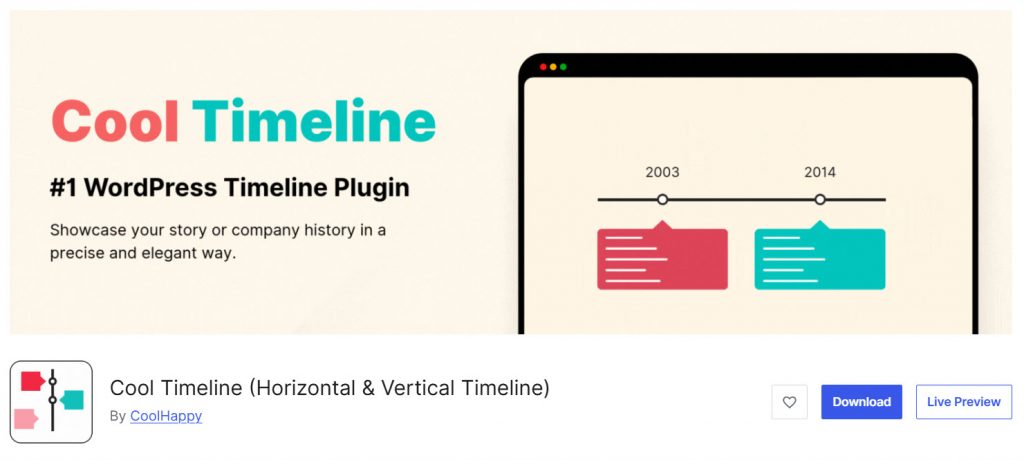
Cool Timeline is one of the most popular and feature-rich WordPress timeline plugins available. It allows you to create beautiful vertical and horizontal timelines on your WordPress website with ease.
The plugin is widely used to showcase company histories, project timelines, personal stories, and event sequences in an engaging way. Cool Timeline offers multiple timeline layouts, styling options, and customization features to help you create appealing timelines for your WordPress blog or website.
The free version is quite capable for basic needs, while Cool Timeline Pro unlocks advanced features such as timeline templates, animations, category filters, and more design controls. It works well with both the block editor and page builders like Elementor.
If you are looking for a reliable timeline plugin for WordPress that offers flexibility and good design options, Cool Timeline is one of the best options to consider.
Features
- Vertical and horizontal timeline layouts
- Multiple timeline styles and templates
- Support for images, videos, and icons
- Custom post type support for timelines
- Category and tag-based filtering
- Responsive design for all devices
Pros and Cons
| Pros | Cons |
|---|---|
| Excellent free version with strong features | Some advanced features are only in Pro |
| Good variety of timeline layouts | |
| Easy to use with decent customization | |
| Regularly updated and well-supported |
Pricing
Cool Timeline is a freemium plugin. The Pro version starts at $29 per year.
2. Timeline Widget For Elementor
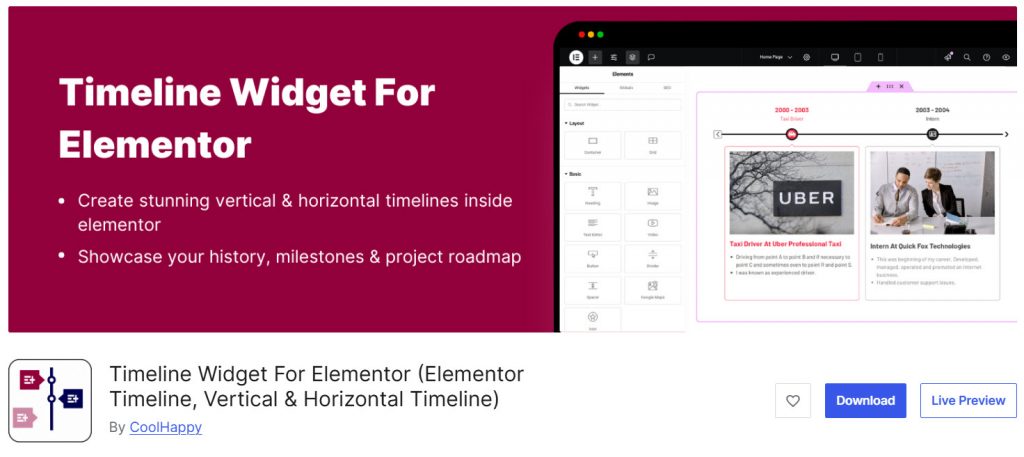
Timeline Widget For Elementor is a dedicated timeline plugin designed specifically for users who build their websites with the Elementor page builder. It lets you easily create vertical and horizontal timeline layouts directly in Elementor, with no coding.
This plugin is a good choice if you want a simple yet effective way to showcase timelines on your WordPress site. It supports adding images, icons, and content to each timeline entry, making it suitable for company histories, event timelines, and project roadmaps.
The free version offers basic timeline functionality, while the Pro version unlocks more timeline layouts, advanced styling options, and additional customization features. If you are already using Elementor and looking for a dedicated timeline widget that integrates smoothly with the page builder, this plugin is worth considering.
Features
- Vertical and horizontal timeline layouts
- Easy integration with Elementor page builder
- Support for images, icons, and custom content
- Responsive design for all devices
- Multiple timeline styles and designs
- Works with both free and pro versions of Elementor
Pros and Cons
| Pros | Cons |
|---|---|
| Excellent integration with Elementor | Best suited only for Elementor users |
| Easy to use with visual editing | |
| Good free version for basic timelines | |
| Clean design and responsive layouts |
Pricing
Timeline Widget for Elementor is a freemium plugin. The Pro version starts at $49 per year.
3. Timeline Block For Gutenberg
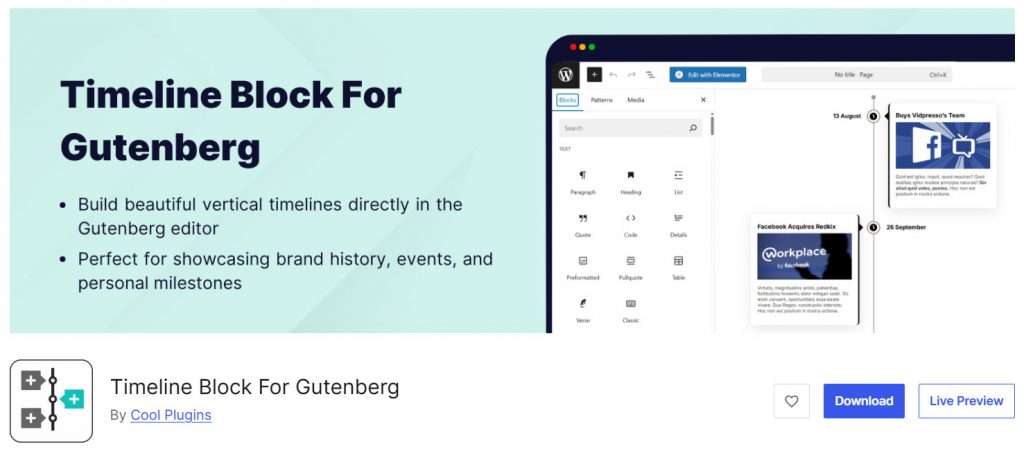
Timeline Block For Gutenberg is a lightweight, dedicated timeline block plugin for the WordPress Block Editor. It allows you to easily create vertical and horizontal timelines directly inside the Gutenberg editor without needing any page builder or shortcodes.
This plugin is a good choice for users who prefer building with Gutenberg and want a simple yet effective way to showcase timelines on their WordPress website. You can add timeline entries with dates, titles, descriptions, and images.
The free version offers basic timeline functionality, while the Pro version unlocks additional timeline layouts, styling options, and advanced customization features. If you are looking for a clean and Gutenberg-native timeline block plugin that integrates smoothly with the WordPress block editor, Timeline Block For Gutenberg is a solid and lightweight option.
Features
- Native Gutenberg timeline block
- Vertical and horizontal timeline layouts
- Easy to add timeline entries with dates and content
- Support for images and icons
- Responsive design for all devices
- Clean and lightweight code
Pros and Cons
| Pros | Cons |
|---|---|
| Lightweight and Gutenberg-native | Limited features in the free version |
| Easy to use directly in the Block Editor | |
| Clean design with good performance | |
| Affordable Pro pricing |
Pricing
Timeline Block for Gutenberg is a freemium plugin. The Pro version starts at $39 per year.
4. Bold Timeline
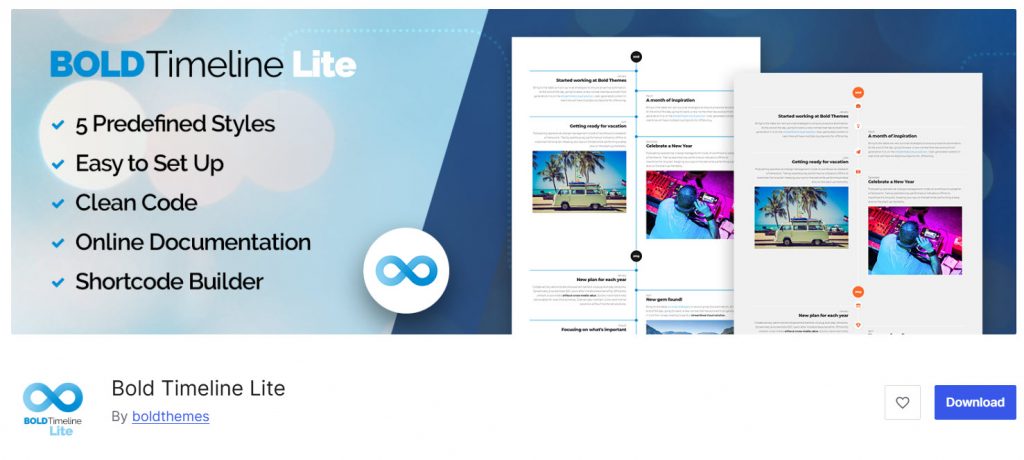
Bold Timeline is a flexible WordPress timeline plugin that lets you create vertical and horizontal timelines using a visual builder. It is designed for users who want more control over timeline design without having to write custom code.
The plugin supports multiple timeline styles and layouts, making it suitable for showcasing company histories, project timelines, personal stories, and event sequences.
The free version (Bold Timeline Lite) offers basic timeline functionality, while the premium version unlocks advanced features, including more timeline styles, enhanced customization options, animations, and additional layout controls.
One of the biggest advantages of Bold Timeline is its one-time purchase pricing model, which makes it a cost-effective choice compared to yearly subscription-based plugins. If you are looking for a feature-rich WordPress timeline plugin with a visual builder and good design flexibility, Bold Timeline is a solid option.
Features
- Visual timeline builder
- Vertical and horizontal timeline layouts
- Multiple timeline styles and designs
- Support for images, icons, and custom content
- Responsive design for all devices
- Works with Gutenberg and page builders
Pros and Cons
| Pros | Cons |
|---|---|
| One-time purchase pricing (no yearly fees) | The free version is quite limited |
| Good visual builder and design options | |
| Supports both vertical and horizontal timelines | |
| Clean interface and decent performance |
Pricing
Bold Timeline is a freemium plugin. The Pro version is available as a one-time purchase for $29.
5. Timeline Block
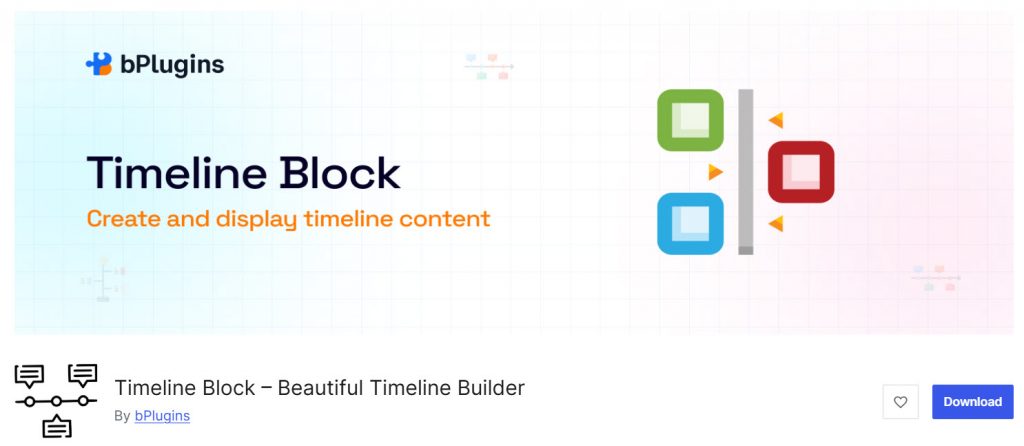
Timeline Block is a Gutenberg-native timeline plugin that allows you to create clean and responsive vertical and horizontal timelines directly inside the WordPress Block Editor. It is designed for users who prefer building with Gutenberg and want a simple yet effective way to showcase timelines on their WordPress website.
The plugin helps you display timeline entries with dates, titles, descriptions, and images in an organized manner. It is suitable for creating company histories, project timelines, personal stories, or event timelines.
The free version offers basic timeline functionality with decent customization, while the Pro version unlocks additional timeline layouts, styling options, animations, and advanced features.
If you are looking for a lightweight timeline block plugin that integrates smoothly with the WordPress block editor and doesn’t require a page builder, Timeline Block is a good, affordable option.
Features
- Native Gutenberg timeline block
- Vertical and horizontal timeline layouts
- Easy to add timeline entries with dates and content
- Support for images and icons
- Responsive design for all devices
- Clean and lightweight code
Pros and Cons
| Pros | Cons |
|---|---|
| Lightweight and Gutenberg-native | Limited features in the free version |
| Easy to use directly in the Block Editor | |
| Clean design with good performance | |
| Affordable Pro pricing |
Pricing
Timeline Block is a freemium plugin. The Pro version starts at $29.99 per year.
6. Vertical Timeline Widget for Elementor
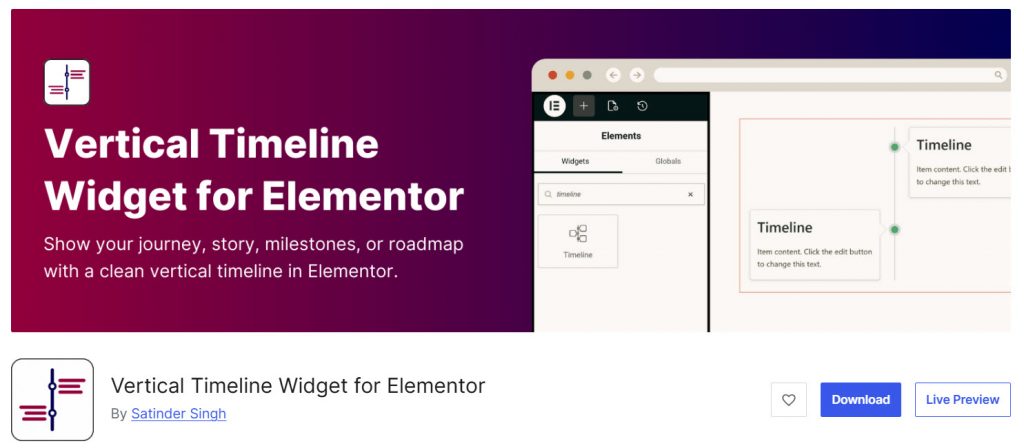
Vertical Timeline Widget for Elementor is a lightweight and focused timeline plugin designed specifically for users who build their websites with the Elementor page builder. It allows you to easily create clean and professional vertical timelines on your WordPress website without writing any code.
This plugin is ideal if you want a simple yet effective way to showcase timelines such as company histories, event timelines, or personal stories. It integrates directly into Elementor, giving you visual control over the timeline design, colors, and content.
While the free version offers basic vertical timeline functionality, the Pro version unlocks additional timeline styles, advanced customization options, and more layout flexibility. If you are already using Elementor and looking for a dedicated vertical timeline widget that is easy to use and well optimized, this plugin is a good option.
Features
- Dedicated vertical timeline widget for Elementor
- Clean and responsive timeline layouts
- Support for images, icons, and custom content
- Easy customization using Elementor controls
- Multiple timeline styles and designs
- Responsive design for all devices
Pros and Cons
| Pros | Cons |
|---|---|
| Excellent integration with Elementor | Limited to vertical timelines only |
| Easy to use with visual editing | Advanced features require the Pro version |
| Lightweight and clean code | |
| Good free version for basic needs |
Pricing
Vertical Timeline Widget for Elementor is a freemium plugin. The Pro version starts at $49 per year.
7. Timeline Module for Divi
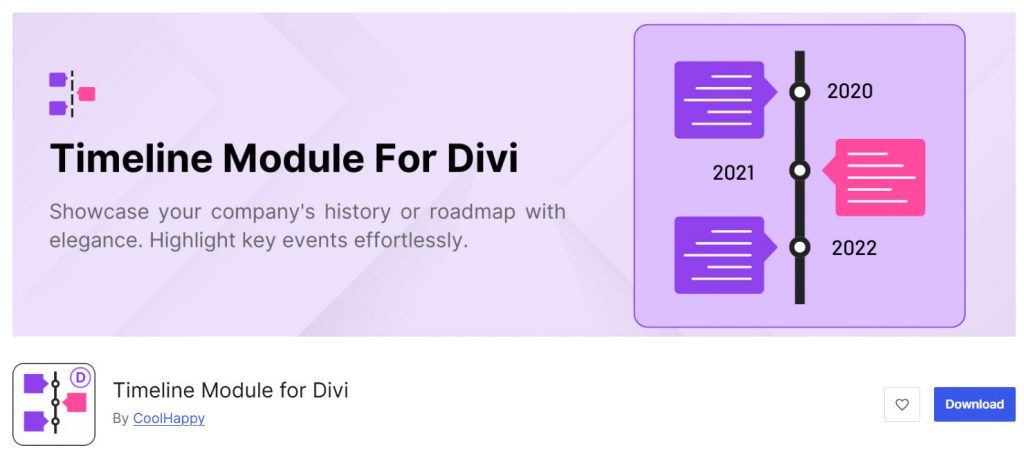
Timeline Module for Divi is a dedicated timeline plugin designed specifically for users of the Divi theme and Divi Builder. It allows you to easily create clean, professional vertical timelines directly in the Divi Builder without needing any additional page builders or complex setups.
This plugin is a good choice if you are already using Divi and want a native timeline solution that integrates smoothly with Divi’s visual interface. You can add timeline entries with dates, titles, descriptions, and images while maintaining full control over the design using Divi’s styling options.
The free version offers basic timeline functionality, while the Pro version unlocks additional timeline styles, advanced customization, animations, and more layout options. If you are a Divi user looking for a simple and well-integrated timeline module for your WordPress website, this plugin is worth considering.
Features
- Native module for Divi Builder
- Vertical timeline layouts
- Support for images, icons, and custom content
- Easy customization using Divi controls
- Responsive design for all devices
Pros and Cons
| Pros | Cons |
|---|---|
| Excellent native integration with Divi | Best suited only for Divi users |
| Easy to use with Divi’s visual interface | Limited layout options compared to general timeline plugins |
| Lightweight and performance-friendly | |
| Affordable Pro pricing |
Pricing
Timeline Module for Divi is a freemium plugin. The Pro version starts at $19 per year.
8. Timeline
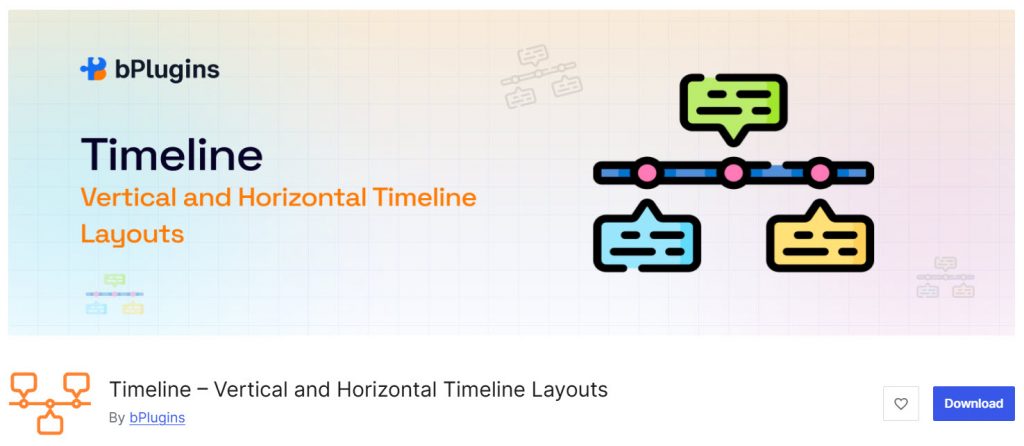
Timeline by bPlugins is a lightweight Gutenberg block plugin that lets you create clean, professional timelines on your WordPress website. It is designed for users who want a simple yet effective way to showcase timelines directly inside the WordPress Block Editor without relying on page builders.
This plugin is suitable for displaying company histories, project timelines, personal stories, or event sequences in a structured format. It supports adding dates, titles, descriptions, and images to each timeline entry.
While the free version offers basic timeline functionality with decent customization, the Pro version unlocks additional timeline layouts, styling options, and advanced features. If you are looking for a simple, Gutenberg-native timeline plugin for WordPress that integrates smoothly with the block editor, Timeline by bPlugins is a good, affordable option.
Features
- Native Gutenberg timeline block
- Vertical timeline layouts
- Support for images, icons, and custom content
- Easy customization using Gutenberg controls
- Responsive design for all devices
- Clean and lightweight code
Pros and Cons
| Pros | Cons |
|---|---|
| Lightweight and Gutenberg-native | Limited features in the free version |
| Easy to use directly in the Block Editor | |
| Clean design with good performance | |
| Affordable Pro pricing |
Pricing
Timeline by bPlugins is a freemium plugin. The Pro version starts at $29.99 per year.
9. Timeline Module for Beaver Builder
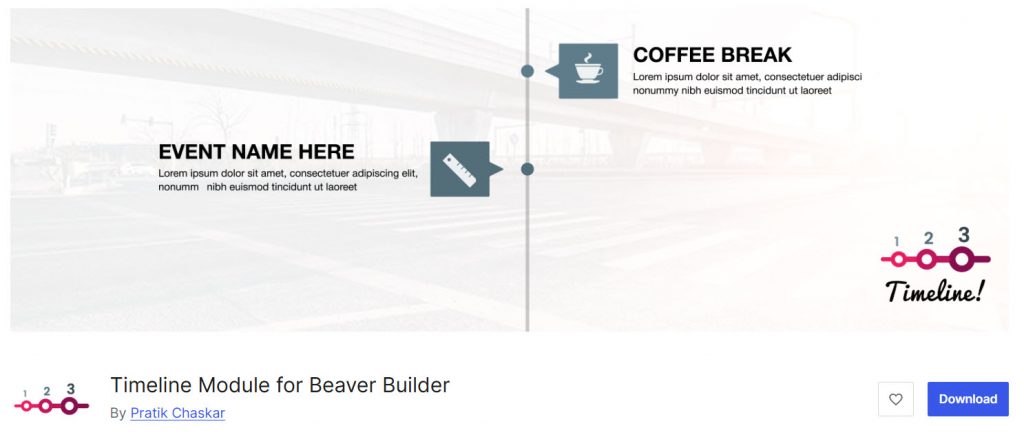
Timeline Module for Beaver Builder is a lightweight and focused plugin designed specifically for users of the Beaver Builder page builder. It allows you to easily create clean, professional timelines directly in the Beaver Builder interface without any additional plugins or custom coding.
This module is suitable for showcasing company histories, project timelines, personal milestones, or event sequences on your WordPress website. It offers a simple way to add timeline entries with dates, titles, descriptions, and images while maintaining full control over the design using Beaver Builder’s styling options.
The plugin is free and provides decent basic functionality for users who want a simple timeline solution within the Beaver Builder ecosystem. If you are already using Beaver Builder and looking for a dedicated, no-frills timeline module that integrates smoothly with the page builder, this plugin is a practical and straightforward option.
Features
- Native module for Beaver Builder
- Clean vertical timeline layouts
- Support for images, icons, and custom content
- Easy customization using Beaver Builder controls
- Responsive design for all devices
- Lightweight and performance-friendly
Pros and Cons
| Pros | Cons |
|---|---|
| Free plugin with no upsells | Limited to Beaver Builder users only |
| Easy to use inside Beaver Builder | Limited design and layout options |
| Lightweight with good performance | |
| Clean and simple timeline module |
Pricing
Timeline Module for Beaver Builder is a free plugin available on the WordPress.org repository.
Common Mistakes You Should Avoid While Working with a Timeline Widget or Timeline Block
Many WordPress users make small mistakes that hurt the look and performance of their timelines. Here are the key ones you should avoid:
- Choosing the Wrong Layout for Your Content: Using a horizontal timeline when a vertical timeline works better (or vice versa) can make the timeline hard to follow, especially on long content like company histories or event timelines.
- Ignoring Mobile Responsiveness: Some timeline plugins look great on desktop but break on mobile. Always check how the timeline displays on smaller screens and adjust the design if needed.
- Overloading the Timeline with Too Many Entries: Adding too many timeline entries at once can make the page look cluttered and slow down loading times. Keep the number of entries manageable and use load more or pagination options when available.
- Not Testing with Your Page Builder: A timeline widget for Elementor or a Gutenberg timeline block may not work perfectly with every theme or plugin. Always test the timeline on a staging site before publishing.
- Forgetting to Optimize Images and Media: Large images or videos inside timeline entries can slow down your website. Compress images and use optimized media to keep the timeline fast.
- Using Too Many Timeline Plugins Together: Installing multiple timeline plugins on the same site can cause conflicts and bloat. Stick to one reliable timeline plugin for WordPress and remove unused ones.
Here are some related articles you might need to check:
- 700+ Candle Business Name Ideas You Can Use for Your Business
- What Is ‘Buffer Time,’ and Why Your Calendar Probably Needs More of It
- 650+ Best Landscaping Business Name Ideas for Your Next Business
- 750+ Best Bakery Business Name Ideas for Your Next Business
- 920+ Reiki and Energy Healing Business Name Ideas
Frequently Asked Questions
Now, let’s take a look at some frequently asked questions and answers on this topic.
What are the best timeline plugins for WordPress?
The best timeline plugins for WordPress include Cool Timeline, Timeline Block, Bold Timeline, and Timeline Widget for Elementor. These plugins allow you to create clean vertical and horizontal timeline layouts with good customization options and a responsive design.
Which is the best timeline plugin for WordPress – Cool Timeline or others?
Cool Timeline is currently one of the best and most popular timeline plugins for WordPress. It offers both vertical and horizontal timeline layouts, multiple design options, and strong features in both the free and Cool Timeline Pro versions, making it suitable for most users.
Should I use a vertical or horizontal timeline on my website?
It depends on your content and design. A vertical timeline works well for long stories and detailed timelines, while a horizontal timeline is better for showcasing a sequence of events in a compact layout. Many top WordPress timeline plugins support both layouts.
Can I create a timeline from my blog posts using a WordPress plugin?
Yes. Some timeline plugins, such as Cool Timeline and Post Timeline, allow you to automatically create a timeline from your existing blog posts or custom post types without adding each entry manually.
Which timeline plugins work with Elementor and Gutenberg?
Plugins like Timeline Widget for Elementor and Vertical Timeline Widget for Elementor work great with Elementor. For Gutenberg users, Timeline Block and Timeline Block for Gutenberg are better options as they are native block plugins.
Are there good free timeline plugins for WordPress?
Yes. Plugins like Cool Timeline, Bold Timeline Lite, Timeline Block, and Timeline Module for Beaver Builder offer capable free versions. These free timeline plugins are good enough for basic to moderate timeline needs.
How do I choose the right timeline plugin for my WordPress site?
Consider your page builder (Gutenberg, Elementor, or Divi), the type of timeline you need (vertical or horizontal), and whether you want advanced features. Also, check the free version limitations before upgrading to the pro version of any timeline plugin.
Is Cool Timeline Pro worth the upgrade?
Cool Timeline Pro is worth considering if you need advanced timeline layouts, better styling options, animations, category filters, and more timeline templates. The free version is decent, but the pro version offers significantly more design flexibility.
Can I add images and icons to timeline entries?
Yes. Most modern timeline plugins for WordPress, including Cool Timeline, Bold Timeline, and Timeline Block, allow you to add images, icons, and custom content to each timeline entry for a more engaging, visually oriented presentation.
Do timeline plugins slow down my WordPress website?
Well-coded timeline plugins like Cool Timeline and Timeline Block are generally lightweight and do not significantly affect site speed. However, using plugins with heavy animations or loading too many timeline entries on a single page can impact performance.
Conclusion
Choosing the right timeline plugin for your WordPress website depends on your page builder and design needs. If you work with the block editor, plugins like Cool Timeline, Timeline Block, and Bold Timeline offer clean and modern solutions.
Elementor users can consider the Timeline Widget for Elementor or the Vertical Timeline Widget for Elementor for better integration. Among the top timeline plugins for WordPress, Cool Timeline stands out as the most versatile option with strong features in both its free and premium versions.
Explore the best timeline plugins listed in this guide and pick the one that best matches your timeline layouts and project requirements.
So, which plugin are you going to use?
Let us know in the comments.
We hope you found this article helpful and enjoyed reading it. If you did, feel free to check out our blog archive for more useful guides and tips. Also, check out our YouTube channel, X, and Facebook page to get the latest news.

