

Are you looking for the best Calendly alternatives? If you are, keep reading this article. Here, we are going to show you 7 of the best tools you can use to offer appointment bookings.
Finding the best Calendly alternatives depends on how you want to schedule meetings, manage your calendar, and handle appointment scheduling across different platforms.
While Calendly is a popular meeting scheduler, many users look for alternatives that offer better pricing, more flexible scheduling software, or deeper integration with tools like Google Calendar and Microsoft services.
In this guide, we compare the best Calendly alternatives that help you create a professional booking page, automate scheduling, and improve meeting scheduling for teams and individuals.
You’ll discover scheduling tools designed for sales teams, service providers, and remote workers who rely on reliable schedulers, calendar sync, and smart booking features. By the end, you’ll know which scheduler works best for your booking and scheduling needs.
First, let’s see what Calendly is and what it offers.
Table of Contents
Calendly: An Introduction
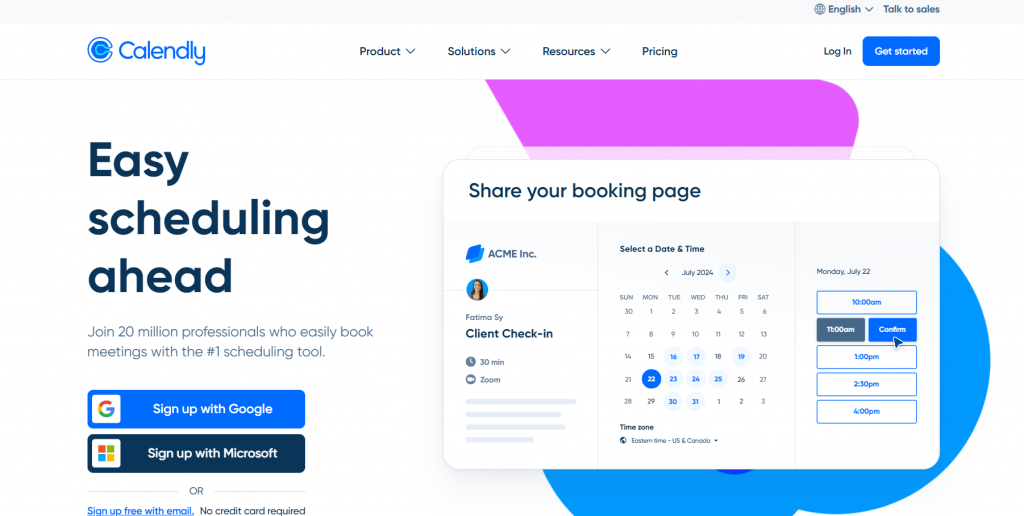
Calendly is a widely used meeting scheduler designed to simplify appointment scheduling and reduce back-and-forth email. It works as a scheduling tool that connects with calendar apps like Google Calendar and Microsoft Outlook, allowing users to set their availability and share a booking link with invitees.
With features such as automated reminders, time zone detection, and round robin assignment for team members, Calendly helps individuals and businesses book meetings more efficiently. It also supports video conferencing integrations like Zoom and Google Meet, making it suitable for remote meetings and sales calls.
While Calendly offers a free plan with core scheduling features, its pricing increases for advanced automation, branding, and team workflows, which is why many users explore Calendly alternatives that better fits their scheduling and budget needs.
What to Look for In a Calendly Alternative
Choosing the best Calendly alternatives depends on how you schedule meetings, manage your calendar, and handle appointment scheduling for different use cases.
A good meeting scheduler should go beyond basic booking and offer flexible scheduling software, smooth calendar integration, and automation that reduces manual work.
- Look for these key factors in alternatives to Calendly:
- Calendar integration – Support for Google Calendar, Outlook Calendar, and Microsoft 365 to keep your availability in sync.
- Flexible booking pages – Custom booking page or scheduling link with branded landing page and multiple event types.
- Automation features – Email reminders, meeting links, and workflows powered by Zapier or built-in automation.
- Meeting types and durations – Ability to set different meeting durations, slots, and meeting types for various needs.
- Team scheduling options – Round robin booking, team member assignments, and support for sales teams.
- Integrations with tools – Connections with Zoom, Google Meet, Microsoft Teams, HubSpot, and Stripe for payments.
- Ease of use – Simple scheduling app interface for invitees to pick a time and book a meeting quickly.
- Pricing and free plan – Generous free version or best free tier, with clear upgrade paths for paid users.
- Scalability – Support for multiple meetings, time zones, and growing scheduling needs without switching tools again.
Best 7 Calendly Alternatives for Appointment Booking
| Feature / Platform | Bookster | Doodle | Microsoft Bookings | Acuity Scheduling | HubSpot Meetings | Zoho Bookings | Simply Schedule Appointments |
|---|---|---|---|---|---|---|---|
| Meeting Scheduler | Yes | Yes | Yes | Yes | Yes | Yes | Yes |
| Booking Page | Yes | Yes | Yes | Yes | Yes | Yes | Yes |
| Google Calendar Sync | Yes | Yes | Yes | Yes | Yes | Yes | Yes |
| Custom Meeting Types | Yes | Yes | Yes | Yes | Yes | Yes | Yes |
| Automated Reminders | Yes | Yes | Yes | Yes | Yes | Yes | Yes |
| Free Plan Available | Yes | Yes | Included with subscription | Yes | Yes | Yes | Yes |
| Paid Plans / Upgrades | Yes | Optional | Required for advanced | Yes | Yes | Yes | Yes |
Let’s take a closer look at each option.
1. Bookster
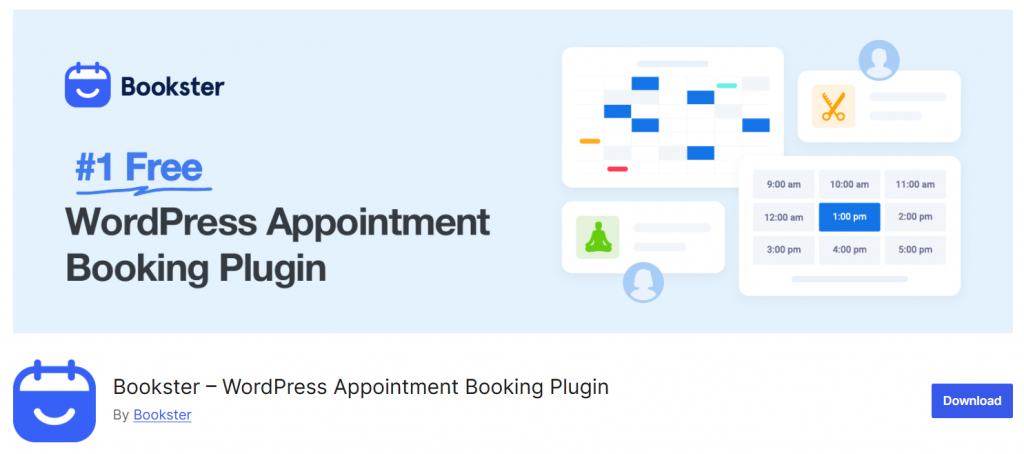
Bookster is a modern meeting scheduler built specifically for WordPress users who want a flexible, fully integrated appointment-booking system.
It allows businesses to create a dedicated booking page and manage appointments directly from their WordPress dashboard without relying on third-party scheduling platforms. Bookster supports multiple meeting types, staff availability, and customizable booking rules, making it suitable for consultants, coaches, and service-based businesses.
With built-in automation and calendar synchronization, it helps reduce manual work while delivering a smooth booking experience for clients. Its focus on simplicity and control makes it a strong Calendly-style alternative for WordPress sites.
It is one of the best Calendly alternatives.
Features
- Customizable booking pages with multiple meeting types
- Calendar integration with Google Calendar and Outlook
- Automated booking confirmations and reminder notifications
- Team scheduling with staff availability and round-robin assignment
Pros
- Native WordPress integration with no external platform required
- Clean interface and easy setup process
- Flexible booking rules for different appointment types
Cons
- Fewer third-party integrations compared to large SaaS schedulers
Pricing
Freemium plugin with a free version; paid plans start at $39/year.
2. Doodle
Doodle is a popular meeting scheduler that makes it easy to coordinate group meetings, find mutually available time slots, and schedule appointments without back-and-forth communication.
Unlike many one-on-one booking tools, Doodle shines in situations where multiple participants need to agree on a time. It offers a simple polling approach that lets organizers propose several time options, and participants vote on what works best.
This makes Doodle a useful alternative to traditional appointment scheduling tools when scheduling with teams, clients, or external contacts. With integrations to major calendar apps and support for reminders, Doodle helps streamline the scheduling process.
Features
- Meeting polls to find the best time among multiple attendees
- Sync with Google Calendar, Outlook, and other calendar apps
- Custom scheduling page with available time slots
- Automated reminders and notifications
- Basic integration with video conferencing tools
Pros
- Excellent choice for group scheduling and meeting coordination
- Intuitive interface and quick setup
- Works well with multiple calendar platforms
Cons
- Less focused on appointment booking workflows than dedicated schedulers
- Advanced features require paid plans
Pricing
Doodle offers a free plan with basic scheduling features; paid plans with additional capabilities are available for $6.95 per agent per month.
3. Microsoft Bookings
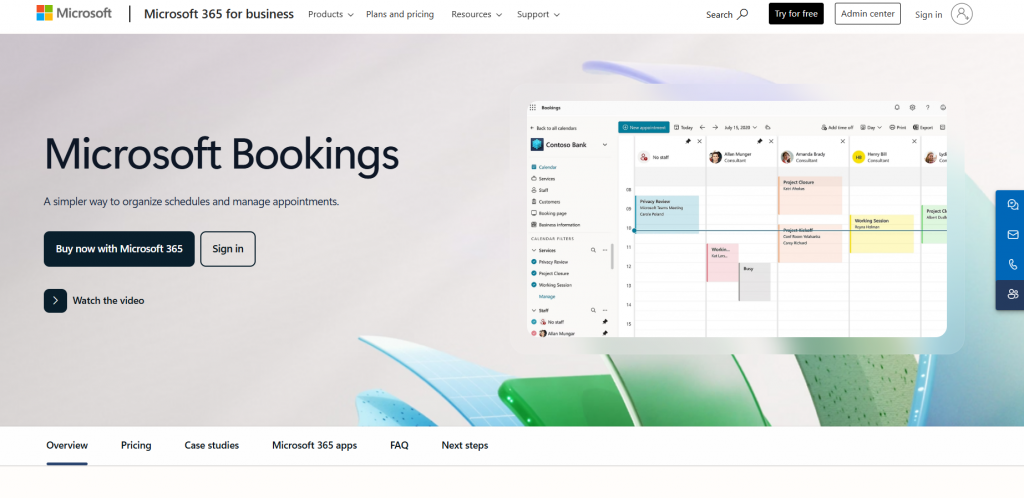
Microsoft Bookings is a meeting scheduler that’s part of the Microsoft 365 suite, designed to help businesses manage appointments and schedules within the Microsoft ecosystem.
It integrates directly with Outlook Calendar and Office 365, letting users set availability, create booking pages, and automate appointment reminders. Microsoft Bookings is particularly useful for teams already using Microsoft productivity tools and seeking a native scheduler without third-party dependencies.
Its interface is straightforward, and it supports multiple staff calendars and services, making it easier to manage meetings, service bookings, and internal schedules from one place.
Features
- Deep integration with Outlook Calendar and Office 365
- Customizable booking page for clients to schedule appointments
- Automated email confirmations and reminders
- Support for multiple staff members and services
- Time zone handling and calendar synchronization across Microsoft apps
Pros
- Works seamlessly within the Microsoft 365 environment
- Strong calendar sync prevents double bookings
- Good option for businesses heavily invested in Microsoft tools
Cons
- Less flexibility outside the Microsoft ecosystem
- Advanced customization options are limited compared to standalone schedulers
Pricing
Included with Microsoft 365 subscriptions; no separate standalone pricing for basic Microsoft Bookings features.
4. Acuity Scheduling
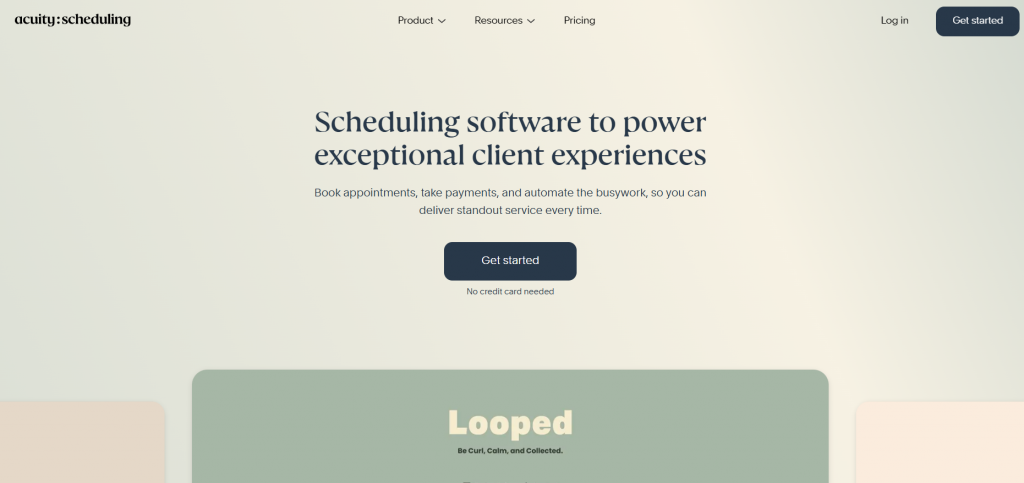
Acuity Scheduling is a dedicated meeting scheduler and appointment scheduling tool designed to help businesses automate bookings and manage client appointments with ease. It provides a polished scheduling page that lets clients view your availability in real time and book a time slot that works for them.
With deep calendar integration, customizable meeting types, and powerful automation features, Acuity Scheduling works well for freelancers, consultants, and service businesses looking for a robust alternative to Calendly.
It also supports features like payments and multiple staff calendars, making it a versatile choice for growing teams and professionals with diverse scheduling needs.
Features
- Custom booking pages with multiple meeting types and durations
- Real-time calendar sync with Google Calendar, Outlook, and iCal
- Automated email and SMS reminders
- Payment integration with Stripe and other gateways
- Support for multiple staff calendars and group booking
Pros
- Comprehensive scheduling features that work for teams and individuals
- Strong automation tools to reduce manual follow-ups
- Smooth calendar integration across platforms
Cons
- Advanced features require higher-tier paid plans
- Can be overkill for very simple booking needs
Pricing
Acuity Scheduling offers a free version with limited features; paid plans with advanced functionality are available on a subscription basis and cost $16 a month.
5. HubSpot Meetings
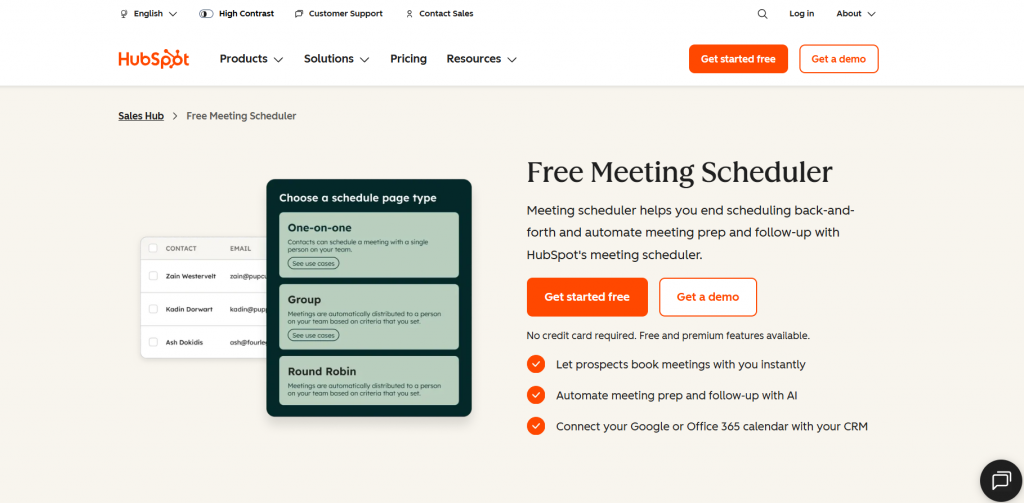
HubSpot Meetings is a meeting scheduler that’s part of a broader CRM and marketing platform. It’s designed to help businesses streamline appointment scheduling while connecting booking data directly to customer records.
With HubSpot Meetings, you can create a scheduling page that syncs with your calendar and automatically updates availability based on your real-time schedule.
It works well for sales teams and service providers who want meeting scheduling tightly integrated with contact and follow-up workflows. Since it integrates tightly with other HubSpot tools, it can be especially useful for businesses that already use HubSpot for email marketing, CRM, or sales automation. It is one of the best Calendly alternatives.
Features
- Scheduling page that syncs with Google Calendar or Outlook
- Automatic availability updates and time zone detection
- CRM integration for tracking meeting attendees
- Automated calendar invites and confirmation emails
- Integration with video conferencing tools for virtual meetings
Pros
- Native CRM connection improves contact and meeting tracking
- Easy to set up and use for teams
- Seamless calendar integration prevents double bookings
Cons
- Most valuable features require a paid HubSpot plan
- Can feel heavy if you only need a standalone scheduler
Pricing
Free version available with basic scheduling features; advanced functionality included with HubSpot paid plans (starting at plan-based pricing).
6. Zoho Bookings
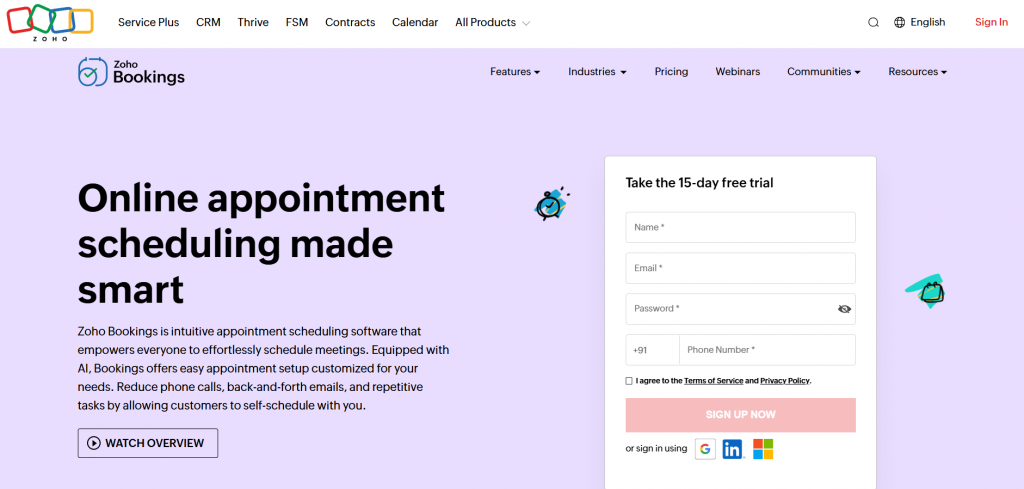
Zoho Bookings is a meeting scheduler built for businesses that want a structured appointment scheduling system with strong automation and integrations. It helps teams manage bookings, staff availability, and customer notifications from a single dashboard.
Zoho Bookings works well for service-based businesses that need a professional booking page and tight control over scheduling rules. With built-in calendar sync and support for different meeting types, it allows clients to book appointments based on real-time availability.
The platform also connects smoothly with other Zoho apps, making it a good fit for companies already using the Zoho ecosystem for CRM, email, or invoicing.
Features
- Custom booking pages with branding and meeting types
- Calendar integration with Google Calendar and Outlook
- Automated email and SMS reminders
- Staff management with round-robin booking
- Time zone detection and buffer time controls
Pros
- Strong automation and workflow features
- Good integration with Zoho’s business tools
- Supports team-based appointment scheduling
Cons
- The interface can feel complex for beginners
- Best features are locked behind paid plans
Pricing
Freemium model with a free plan; paid plans start at $9 per user per month.
7. Simply Schedule Appointments
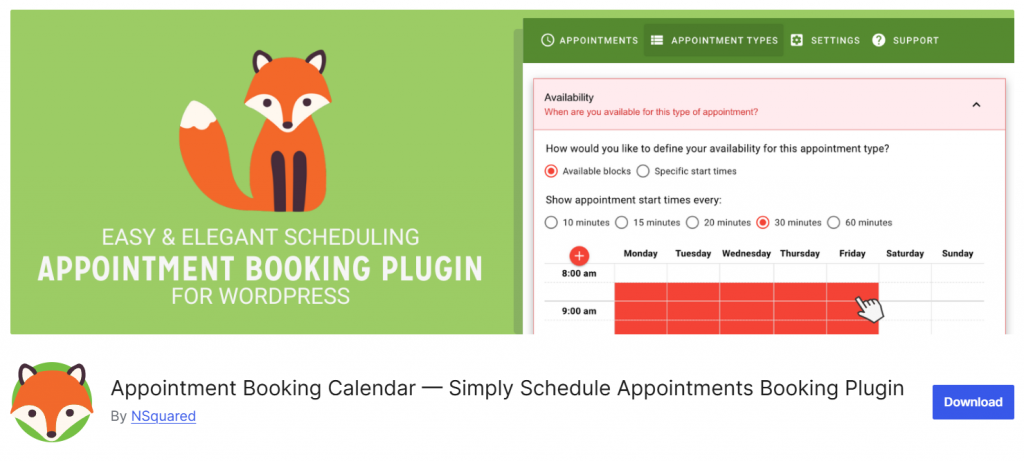
Simply Schedule Appointments is a lightweight meeting scheduler designed for WordPress users who want a fast way to manage appointments without complex setup. It focuses on creating a clean scheduling page that lets visitors book a meeting based on your availability.
The plugin supports calendar integration, time zone detection, and automated notifications, making it suitable for consultants, service providers, and small teams.
With flexible booking rules and support for multiple meeting types, it works well for users who want a Calendly-style experience directly inside their WordPress site. Its interface is beginner-friendly while still offering advanced options for growing businesses.
Features
- Multiple meeting types with custom time slots and meeting durations
- Calendar integration with Google Calendar and Outlook
- Automated email reminders and confirmations
- Customizable booking form and scheduling page
- Time zone detection for international clients
Pros
- Easy to set up and use for beginners
- Good calendar integration for avoiding double bookings
- Clean and responsive booking page design
Cons
- Advanced features require the paid plan
- Limited built-in automation compared to enterprise scheduling software
Pricing
Freemium plugin with a free version; paid plans start at $99 per year.
Hosted Booking Platform vs WordPress Booking Plugin
When comparing booking tools, it is important to understand the difference between a hosted booking platform and a WordPress booking plugin. This is not just about features, but about control, flexibility, and how your booking system fits into your overall website and business workflow.
Hosted Booking Platforms
- Customer data is stored on external servers, limiting full ownership and control
- Users rely on a separate dashboard outside their WordPress website
- Customization options for branding and booking experience can be limited
- Integrations depend on third-party APIs and external services
- Monthly subscription pricing can increase as your usage grows
WordPress Booking Plugins (like Bookster)
- Full ownership of customer data stored directly within your WordPress site
- Complete control over booking forms, design, and user experience
- Seamless integration with your existing WordPress plugins and tools
- Easier tracking, analytics, and workflow management inside one platform
- More cost-effective in the long run with flexible pricing models
For businesses already using WordPress, choosing a plugin like Bookster provides better control, deeper integration, and a more scalable way to manage bookings directly on your website.
Here are some other articles you might find useful:
- 920+ Reiki and Energy Healing Business Name Ideas
- 850+ Advertising Agency Name Ideas That Actually Stand Out
- What’s New in Bookster 3.3.0
- 720 Yoga Studio Name Ideas for a Calm, Memorable Brand
- 7 Best WP Simple Pay Alternatives & Payment Gateway Options
Frequently Asked Questions
Now, let’s take a look at some frequently asked questions and answers about this topic.
What is the best Calendly alternative for small teams?
The best Calendly alternative depends on your workflow, but most meeting scheduler tools focus on easy appointment scheduling, a clean booking page, and reliable calendar support. Many alternatives and competitors offer full scheduling software with automation, helping teams manage bookings without manual follow-ups.
Can a Calendly alternative integrate with Google Calendar and Microsoft tools?
Yes. Most modern scheduler platforms integrate with Google Calendar and Microsoft services, including Office 365. This allows your scheduling tool to sync availability and avoid conflicts when you schedule meetings.
Are there free options among Calendly alternatives?
Several Calendly alternatives offer a generous free plan with basic booking and appointment scheduling features. These free versions are useful for testing a meeting scheduler before moving to a pro plan with automation and branding options.
How does a meeting scheduler improve appointment scheduling?
Meeting scheduler software automates the process by letting users set their availability and share a scheduling page. Invitees select a time slot, and the system automatically updates one calendar, making scheduling a meeting faster and more accurate.
Is Doodle a good alternative to Calendly?
Doodle is a popular alternative to Calendly, especially for creating a meeting poll and managing a variety of meeting times. It works well for group scheduling, though other scheduling software may provide stronger automation and calendar app integration.
What features should I compare when choosing a scheduler?
Compare calendar integration, automation, and support for different meeting types. Also review features and pricing, including how the scheduling software handles time zones, booking pages, and integrations with other tools.
Is Calendly still the best meeting scheduler?
Calendly is a scheduling tool known for its simplicity, but many alternatives and competitors now offer advanced features such as automation, focus-time settings, and more flexible booking pages. Depending on your needs, another scheduler may be a better fit than Calendly itself.
Conclusion
Choosing the right meeting scheduling tool depends on how you work and what features matter most. If you want a great Calendly alternative with tight control over focus time and availability, tools like Bookster and Acuity Scheduling are ideal for managing appointments directly from your website.
For teams that already rely on Google Calendar or Outlook, platforms that sync seamlessly with these platforms make scheduling effortless and familiar.
If you prefer something simple and collaborative, Doodle works well for polls and group scheduling, especially for users who meet on platforms like Google Meet. Businesses that value design and branding will appreciate tools that support beautiful booking pages and flexible layouts.
This list of Calendly alternatives shows that there is no single “best” choice for everyone. Instead, the best scheduling solution is the one that matches your workflow, offers decent free plans to start, and provides features like automation, analytics, and easy integration.
Reviewing the list of the best Calendly-style tools will help you find the meeting scheduling tool that fits your needs today and scales with you tomorrow.
We hope you found this article helpful and enjoyed reading it. If you did, feel free to check out our blog archive for more useful guides and tips. Also, check out our YouTube channel, X, and Facebook page to get the latest news.
Which platform are you going to use?
Let us know in the comments.

